
Try it as your customer sees it
Every model opens full screen, as it will stand on your site.


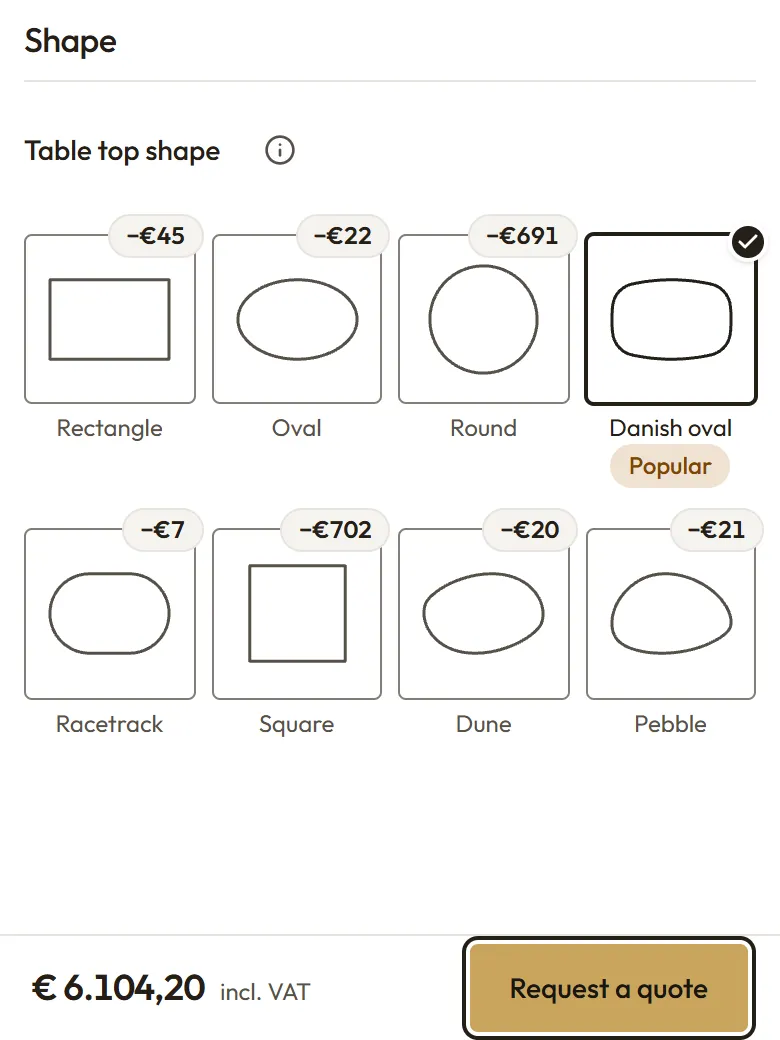
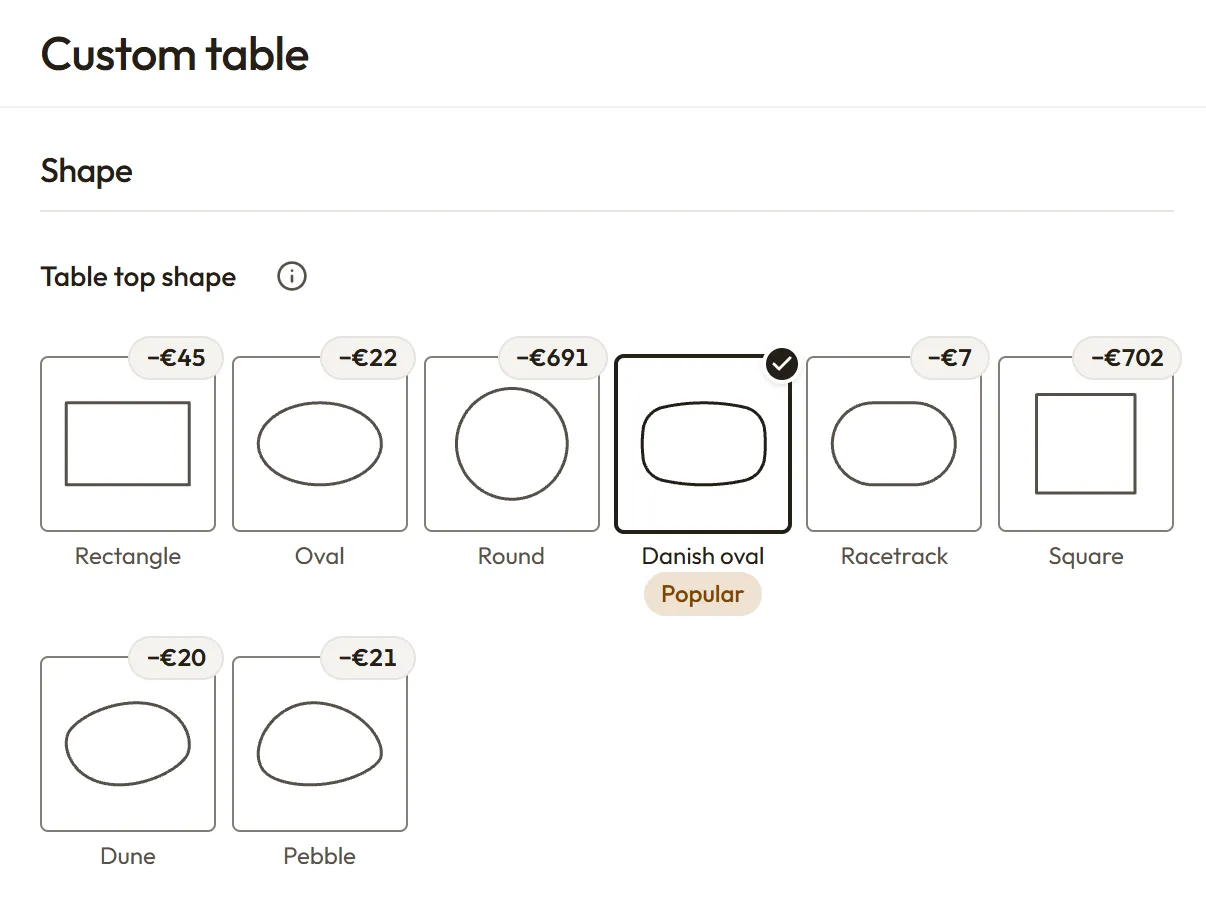
Choose shape, size and finish
Top shape, dimensions, corner radius, material and base. Every choice shows how much more or less it costs than the current one. Choices that don't go together are switched off automatically, so your customer only puts together what fits your rules.
For you: no requests for what you cannot make.
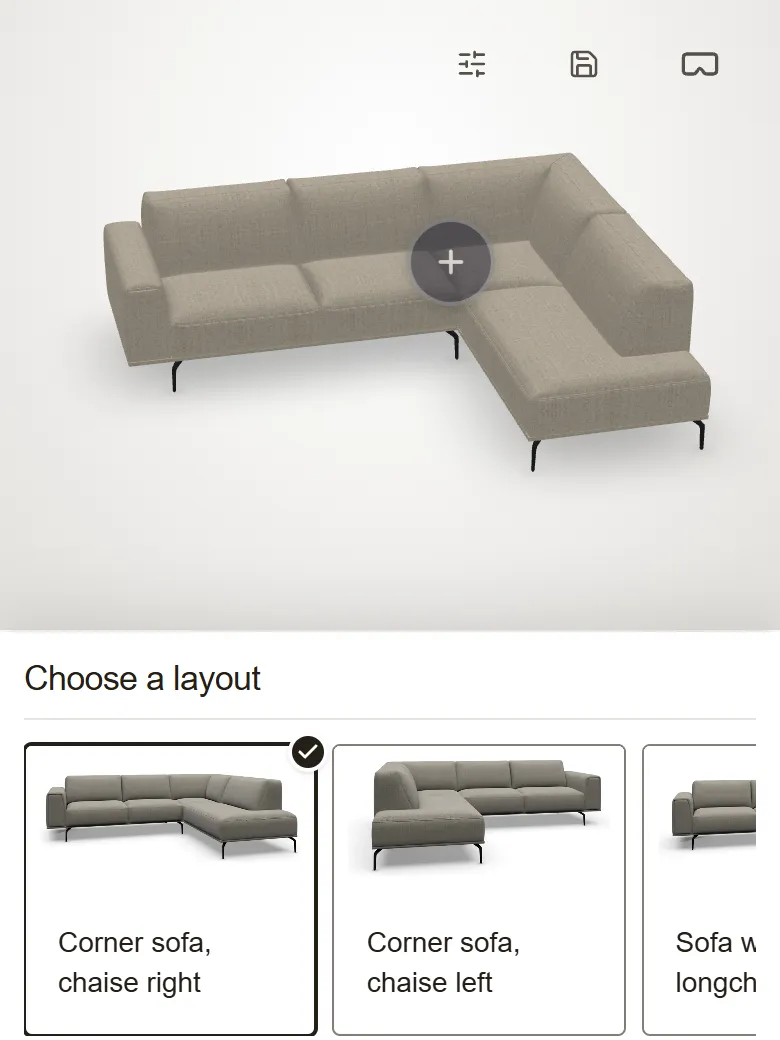
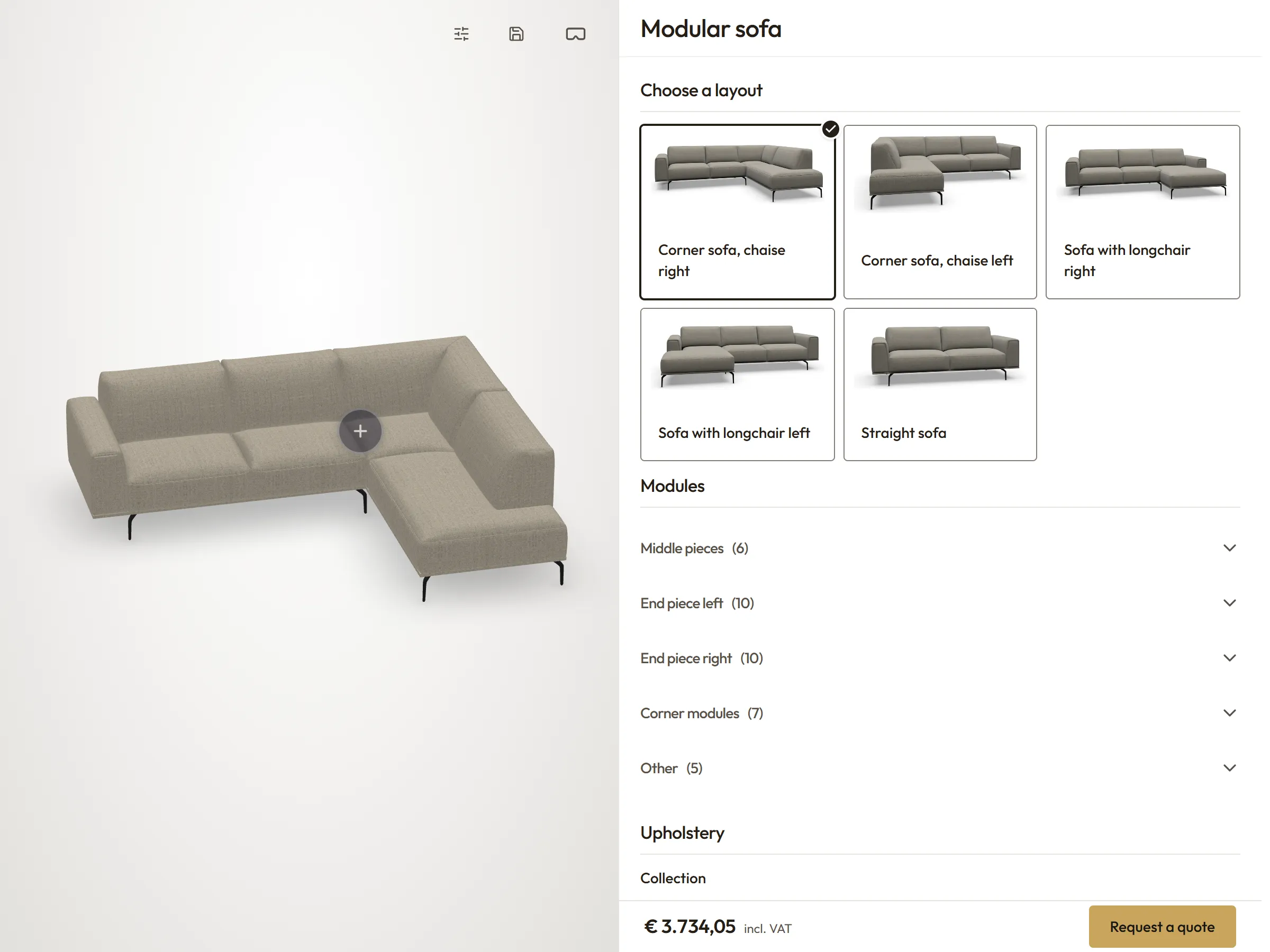
A sofa built from modules
Start from a set-up or build your own: add modules, each with its dimensions, and the sofa appears in 3D exactly as it will be.
For you: every layout from your own modules, without a drawing first.
Save and share
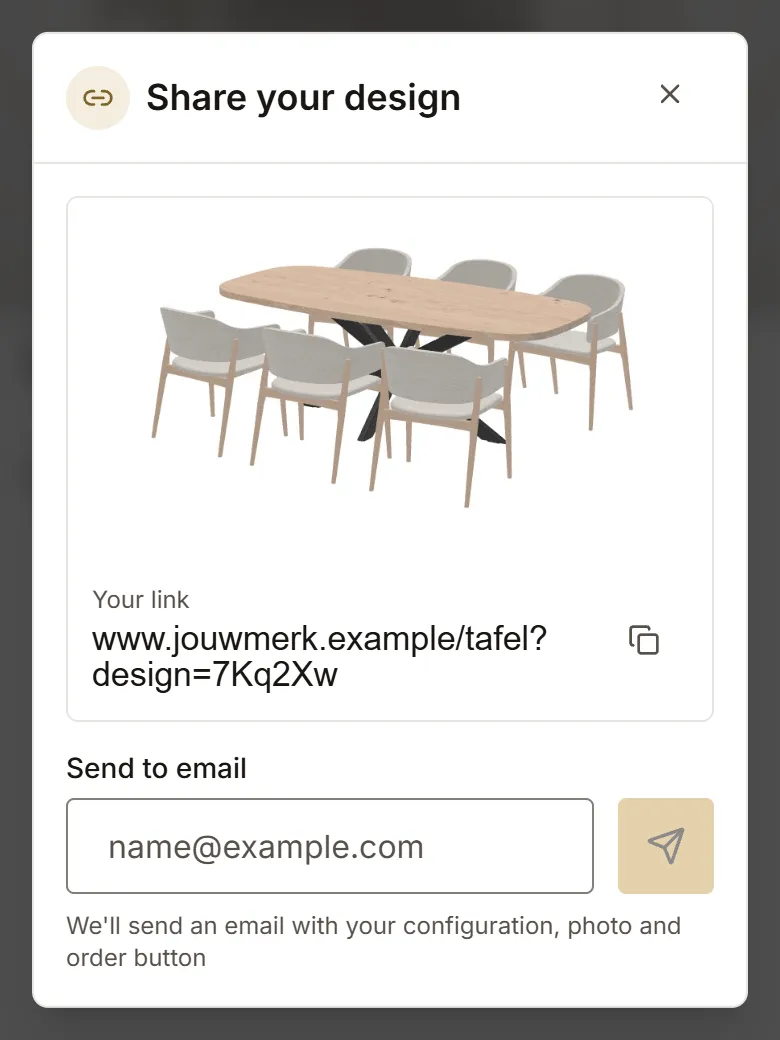
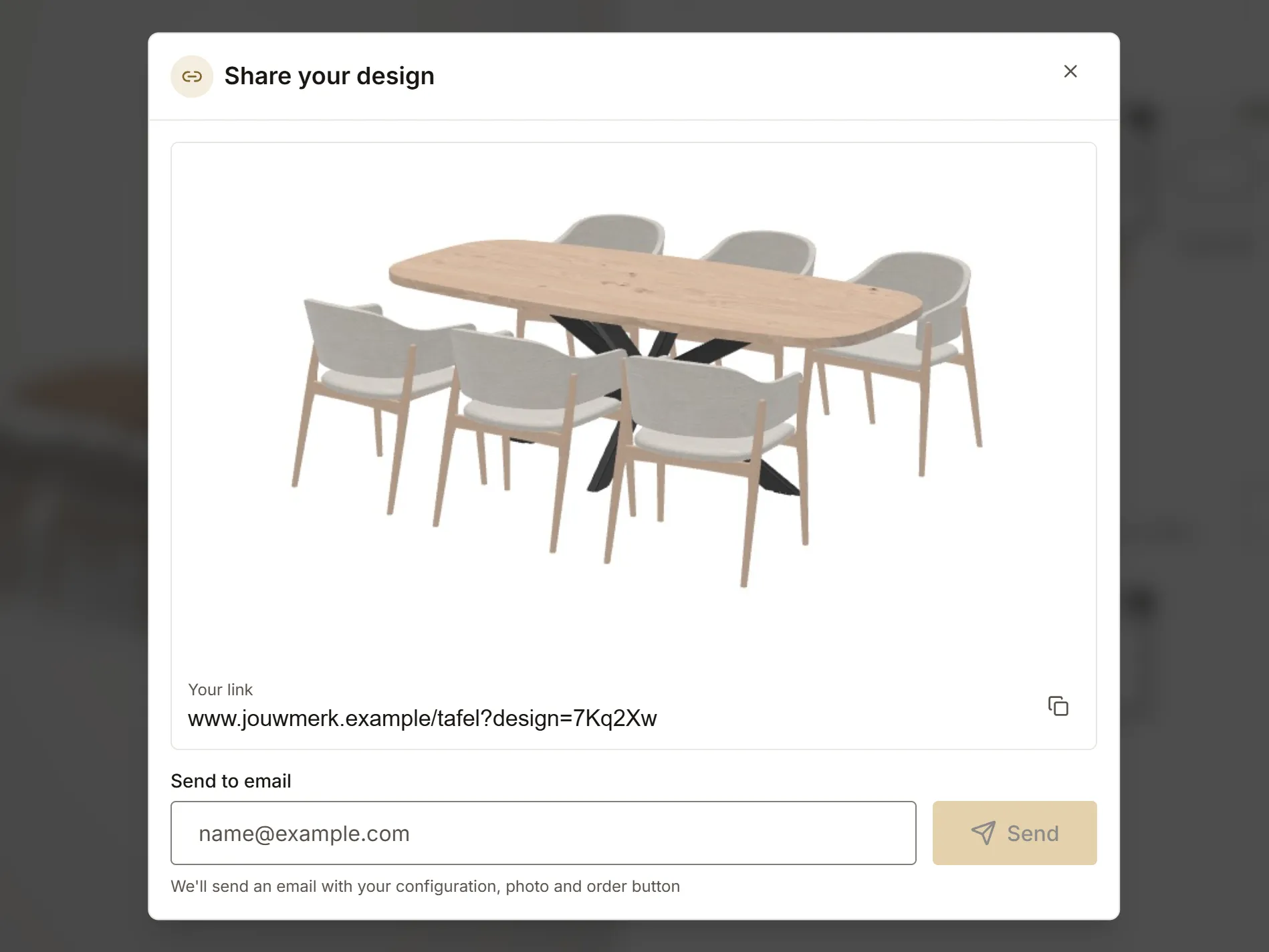
Your customer saves the design or shares it as a link. Once you have set up your mail server in the portal, they can also email it to themselves, from your address. The link opens your page with exactly the same configuration.
For you: your customer comes back with the same design.
See it in their own room
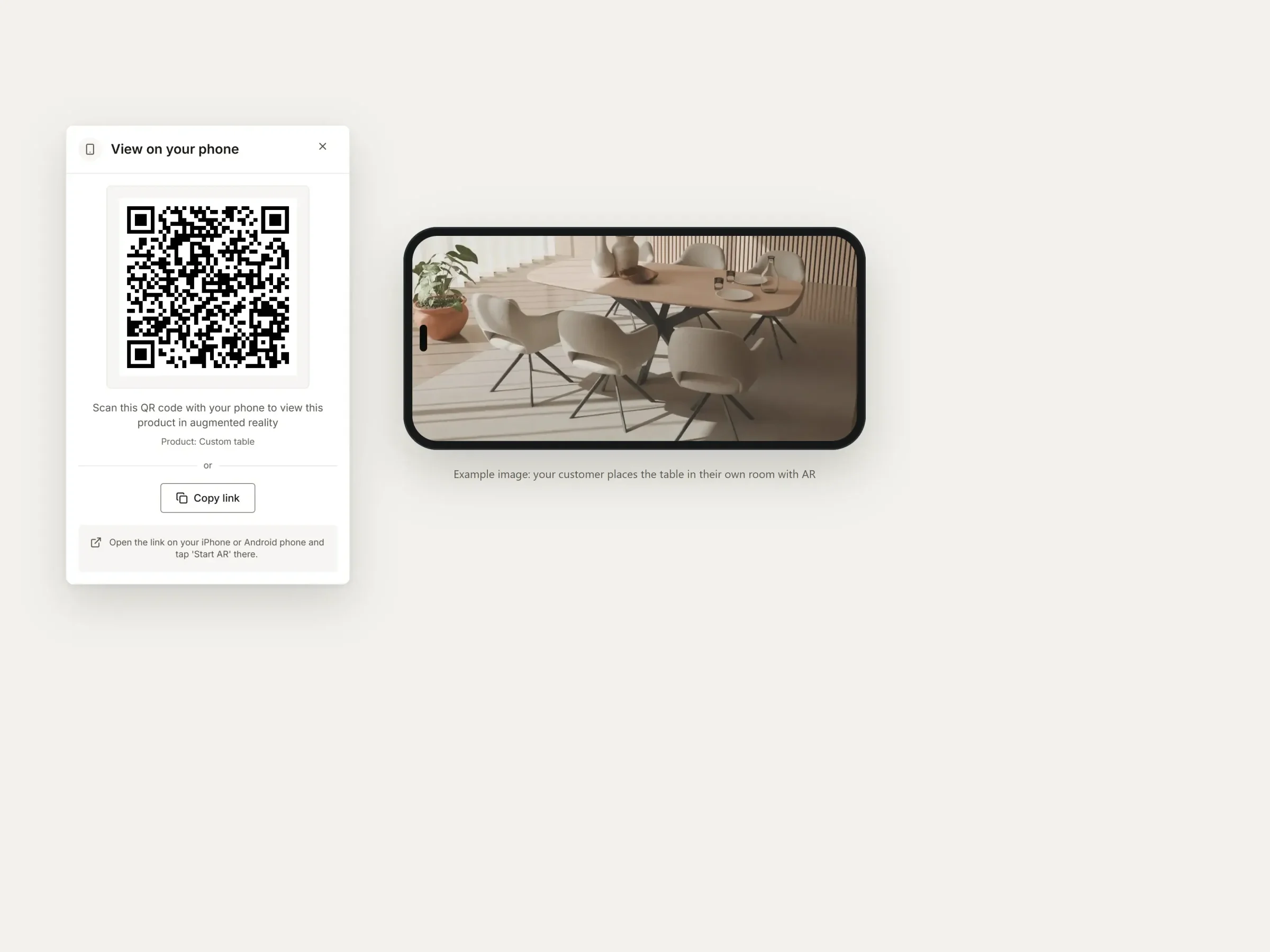
With augmented reality your customer places the piece at full size in their own room, on iPhone and Android. On a computer a QR code appears that opens the configured piece on the phone.
For you: your customer knows it fits before they ask.
Requests that are ready to sell
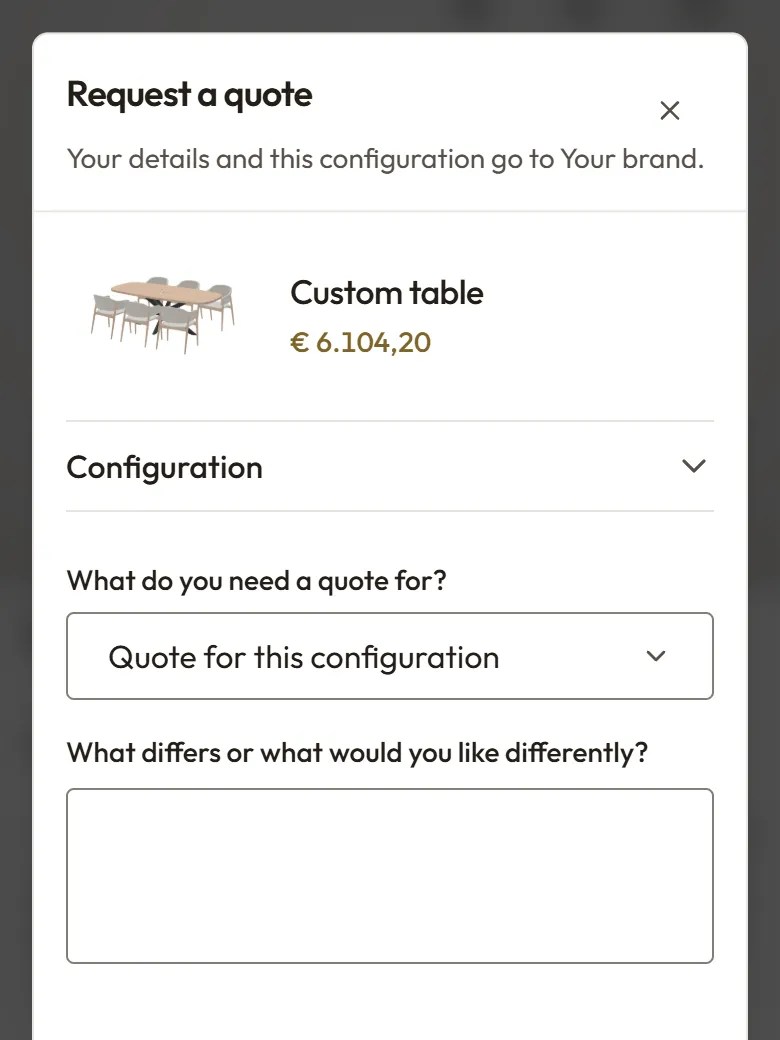
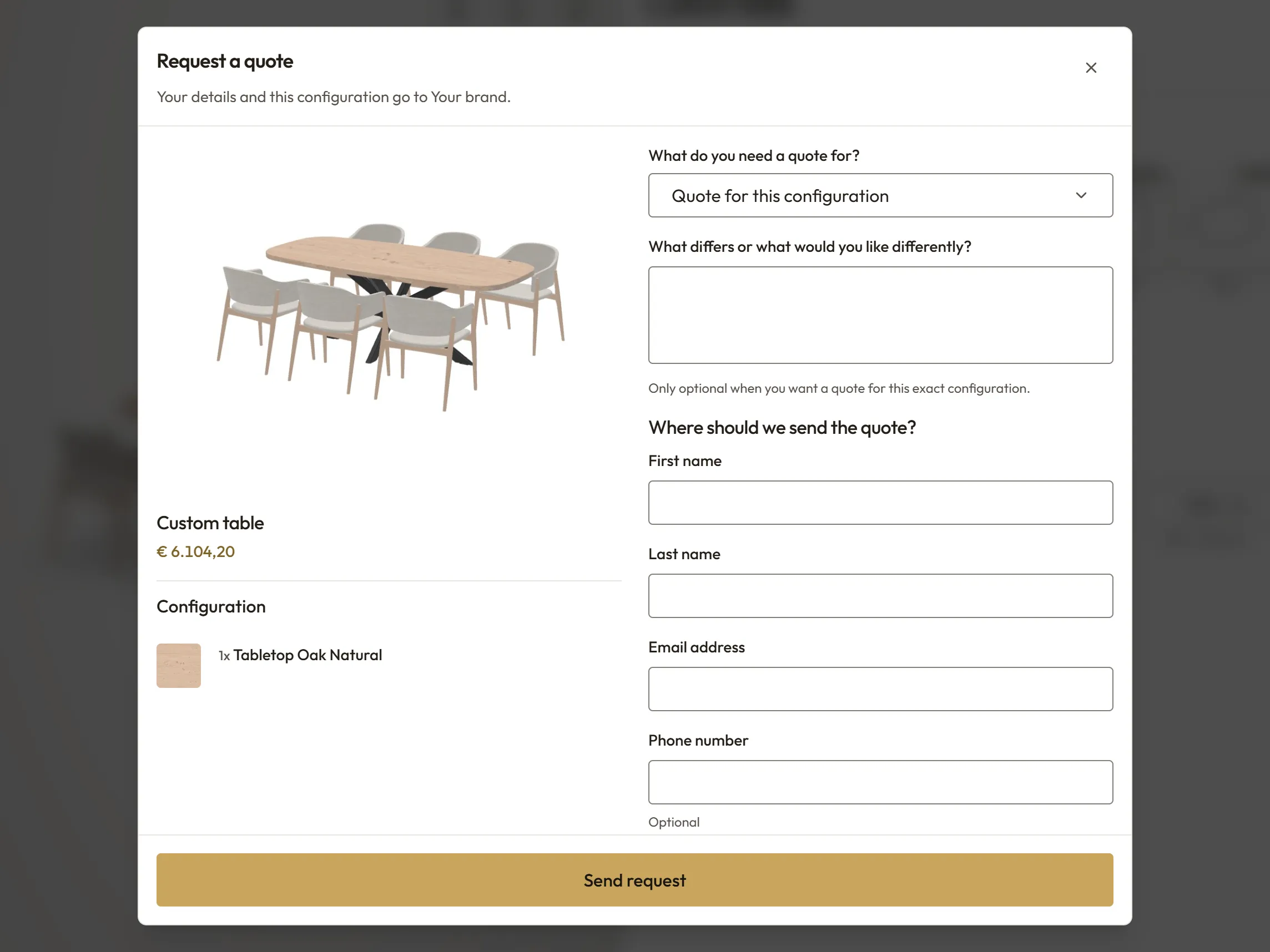
The request arrives with the full configuration, the price and an image of the piece. Your customer doesn't retype anything and you don't recalculate anything: you turn it into a quote in the portal, which your customer accepts online.
For other products too
The configurator works for any product you can put together in 3D, beyond furniture too. Where an example is built on an openly licensed 3D model, its maker is named.


See it in 15 minutes, with your own models
We show you the configurator and the back office and answer your questions. No obligation.