
Knowledge base
What a configurator costs and what you supply, then how to use Tulmans works, with the buttons as they appear in the portal.
1. Getting started
Opening your account and bringing in your colleagues.
2. Setting up the configurator
Your models, your markup and your branding.
- Choose the models for your configuratorChoose which models your customer sees on your website, and in which order.
- Set your markup on the priceAdd a percentage or a fixed amount on top of the manufacturer's price. Your customer sees the price with your markup.
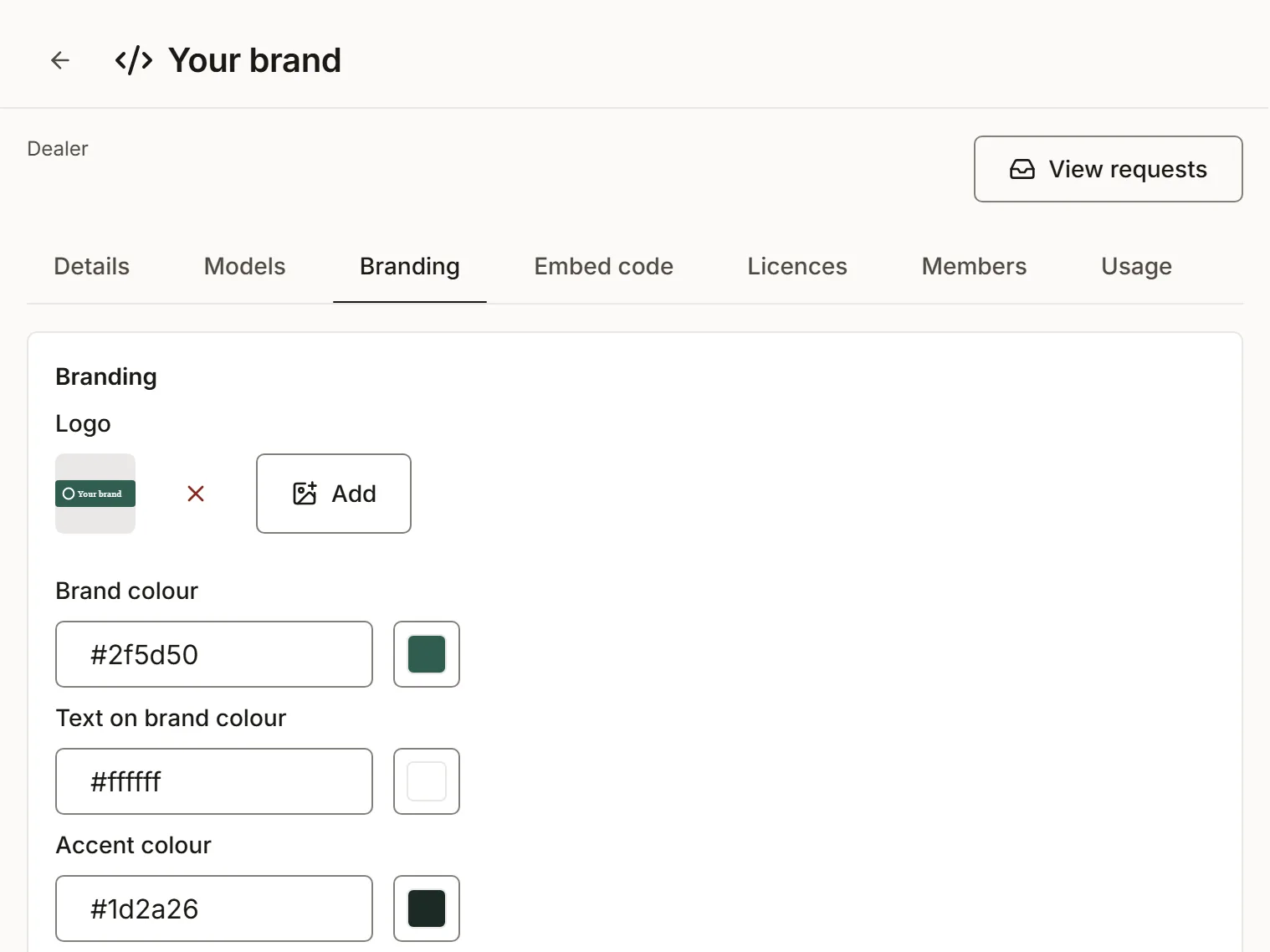
- Set your brandingGive the configurator your own logo, colours, font and corners, so your customer sees only your brand.
- Set up your mail serverHave requests, confirmations, designs and invitations sent by email from your own address. Without a mail server no email goes out.
3. On your website
The embed code, your domains and placing it on your site.
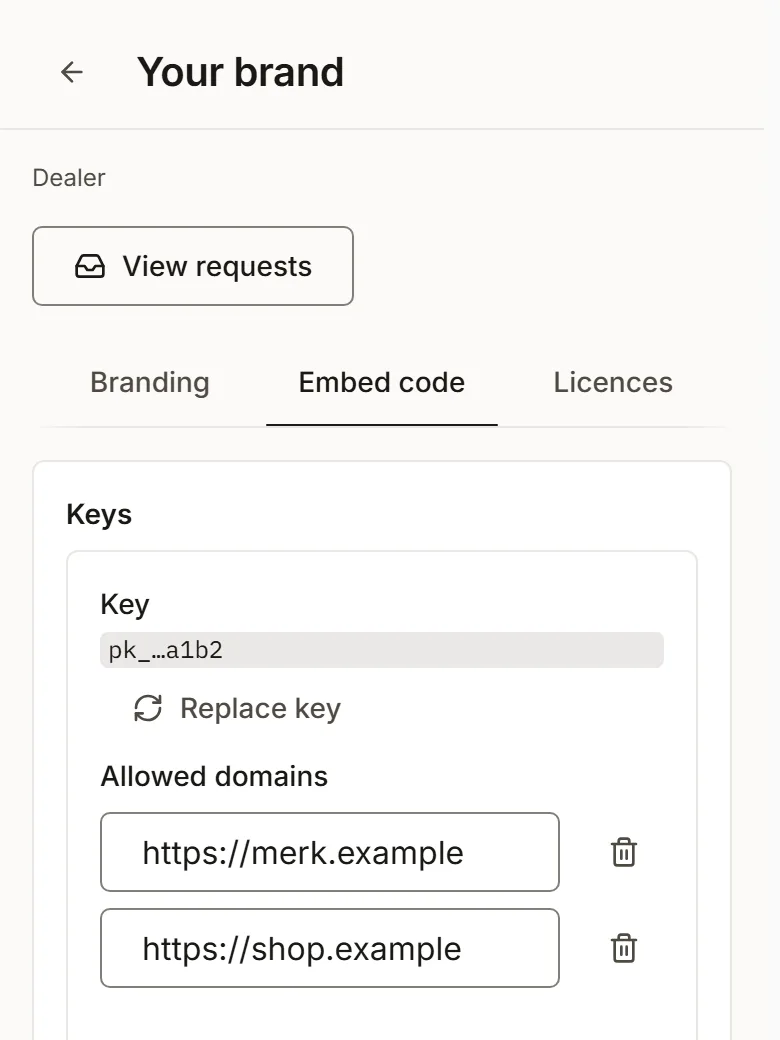
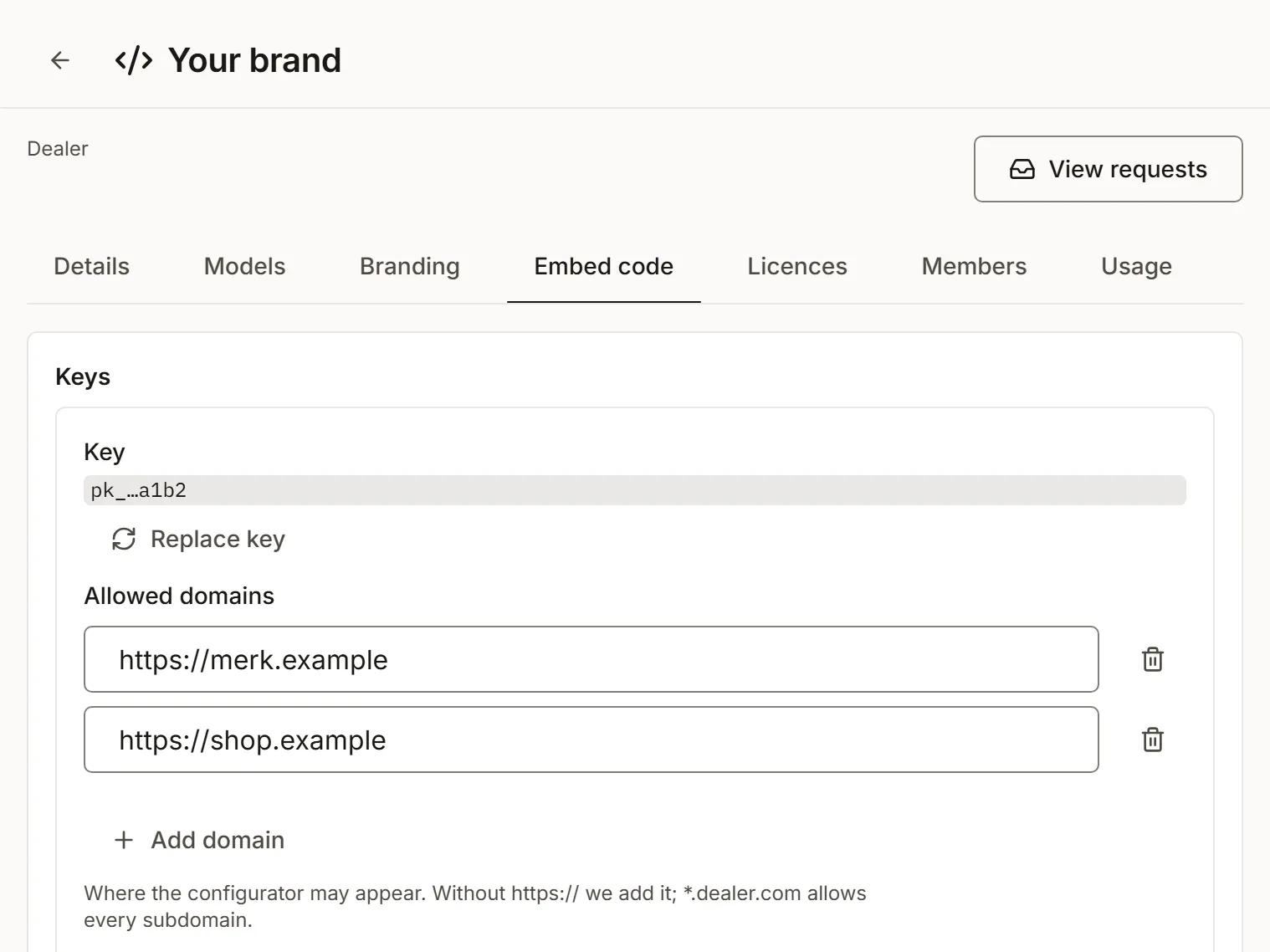
- Your embed code and allowed domainsCreate a key, add your websites and copy the code for the model and language you want.
- Place the code on your websiteThe embed code works on any site where you can place HTML. This is how to put it on WordPress, WooCommerce and Magento, where we tested it.
- Replace your keyCreate a new key when the old code must stop working everywhere. The domains and the limit carry over.
4. Requests and quotes
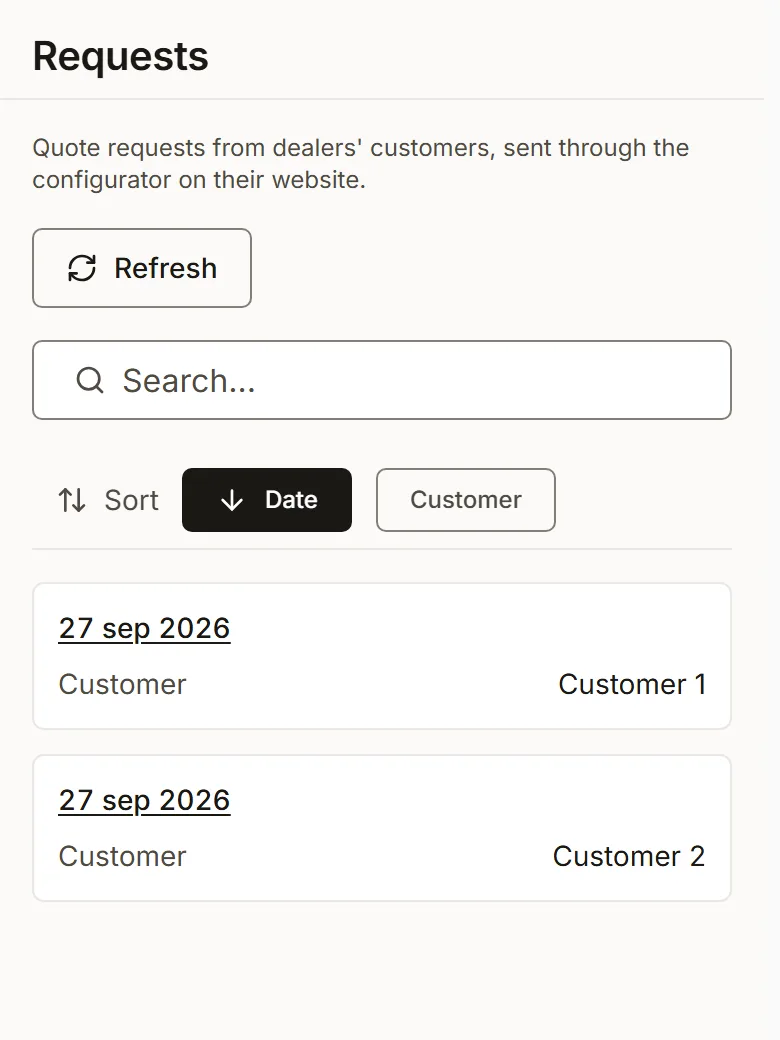
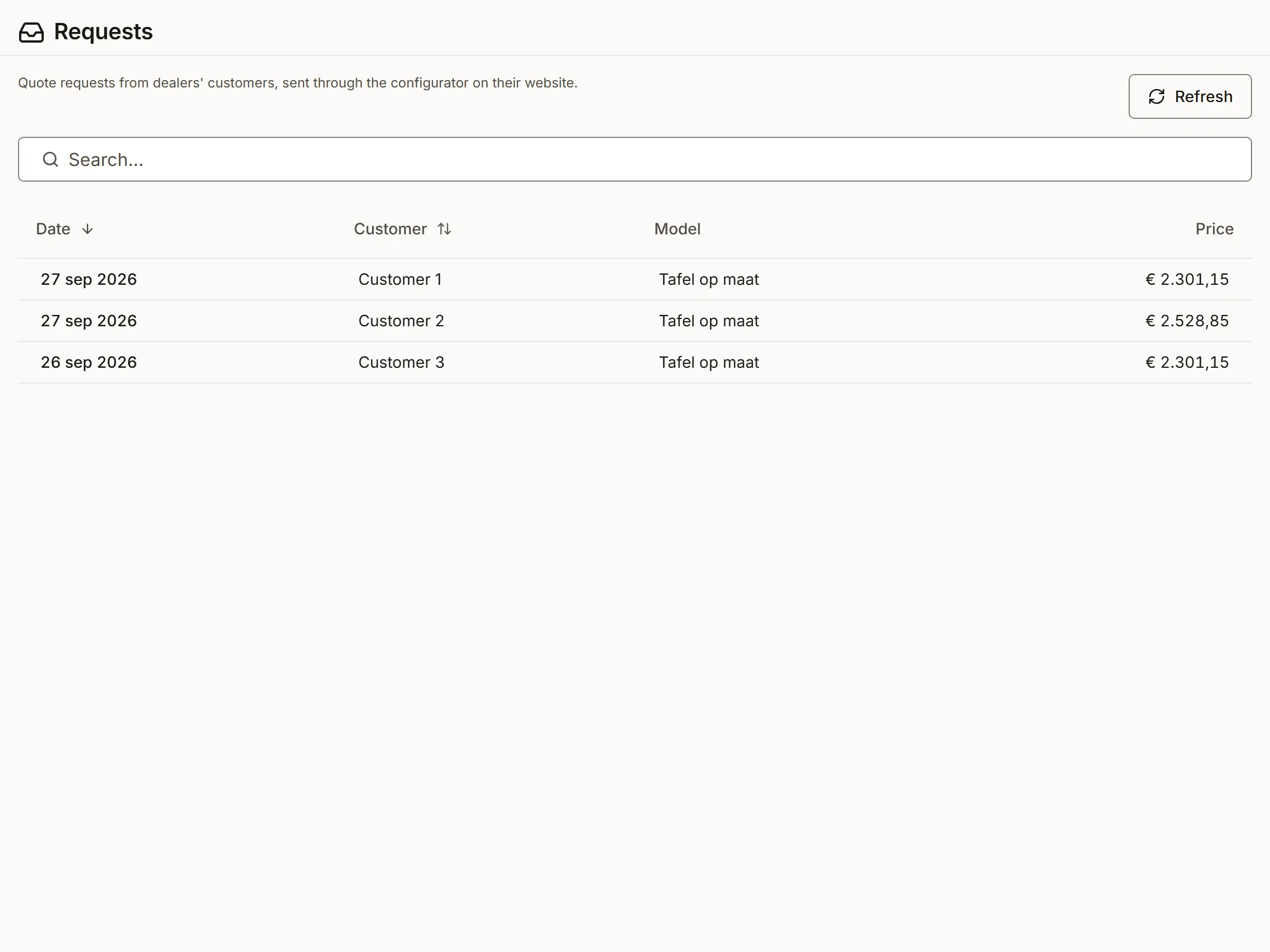
What your customer requests, and the quote you send back.
5. Dealers and usage
Adding dealers and seeing how often the configurator loads.