
Replace your key
Create a new key when the old code must stop working everywhere. The domains and the limit carry over.
In 3 steps
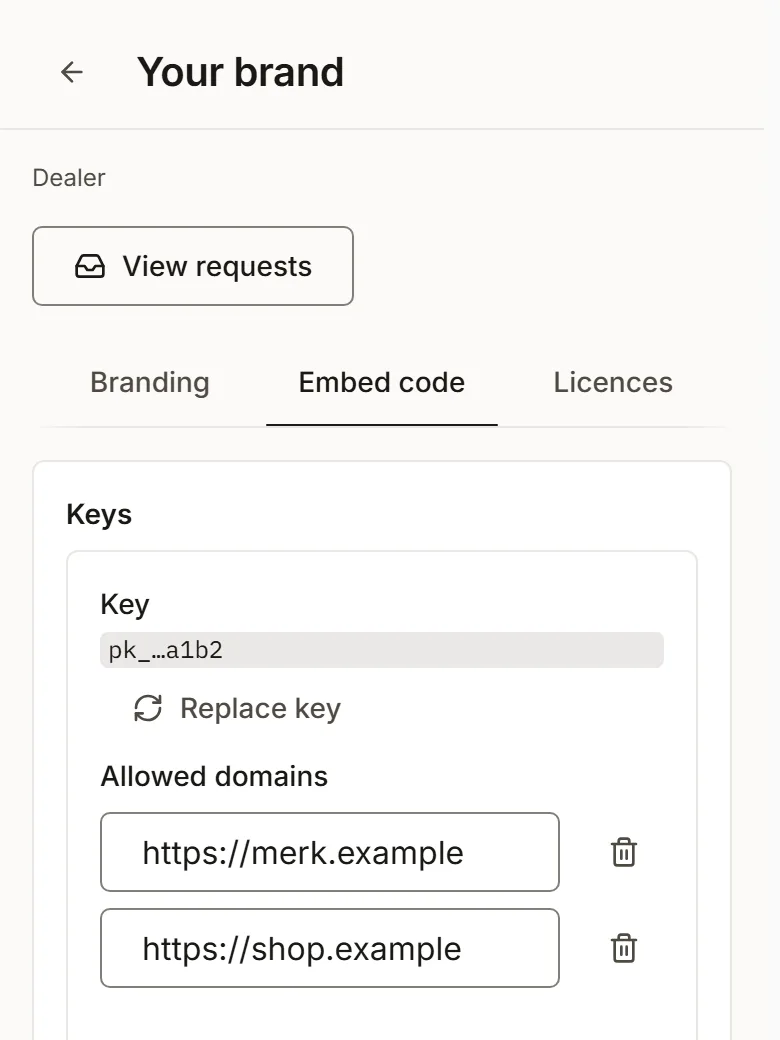
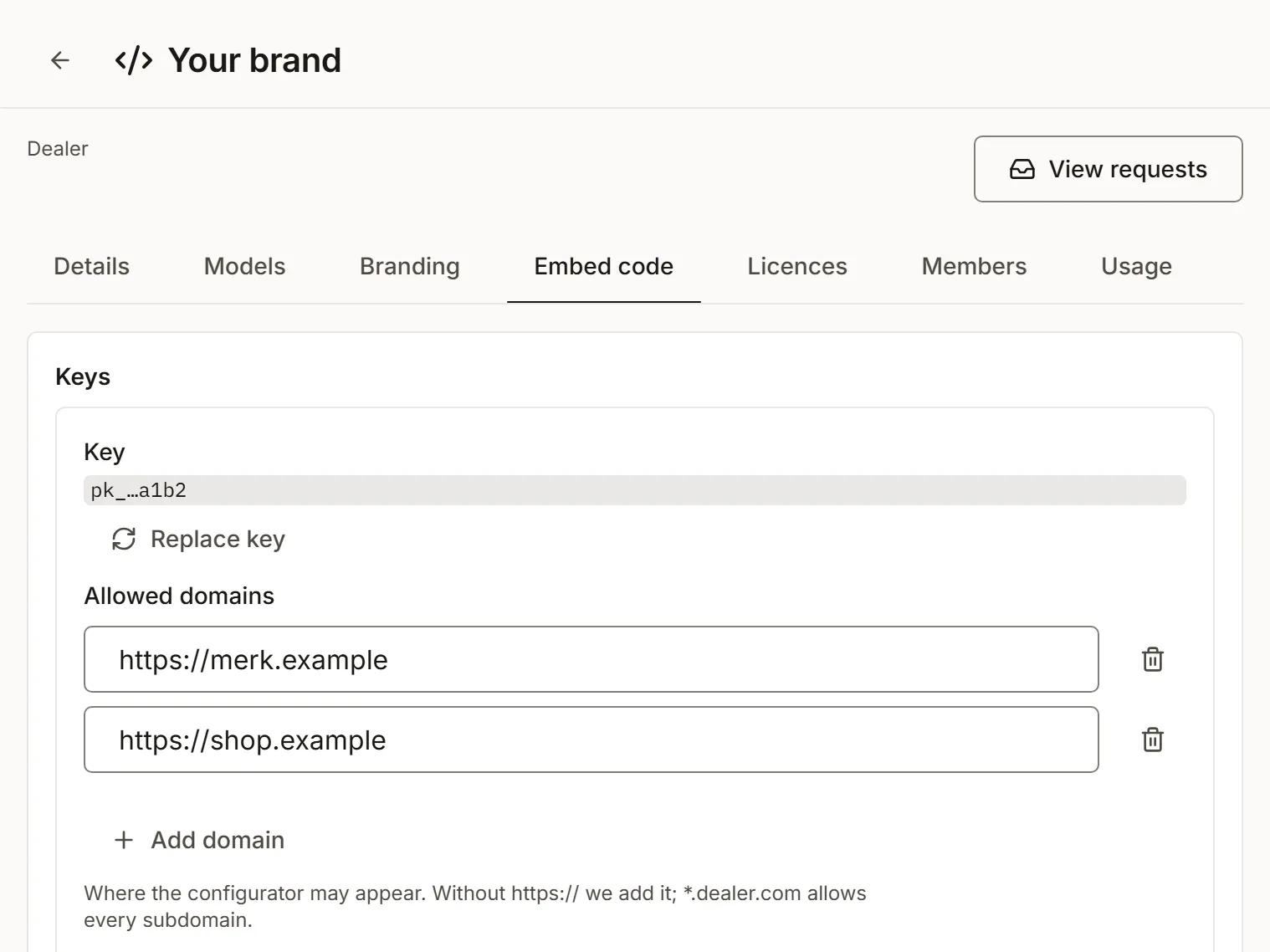
Choose Replace key
Open your organisation, choose the Embed code tab and click Replace key below the key.
Confirm
The portal asks ‘Replace key?’. Click Replace.
Put the new code on your site
Copy the new code with Copy code and replace the old one on every page where the configurator appears.
Good to know
- The old key stops working at once. Until the new code is on your site, that page shows no configurator.