
The configurator on your own site
You paste one embed code on your page. Tested on WordPress, WooCommerce and Magento.
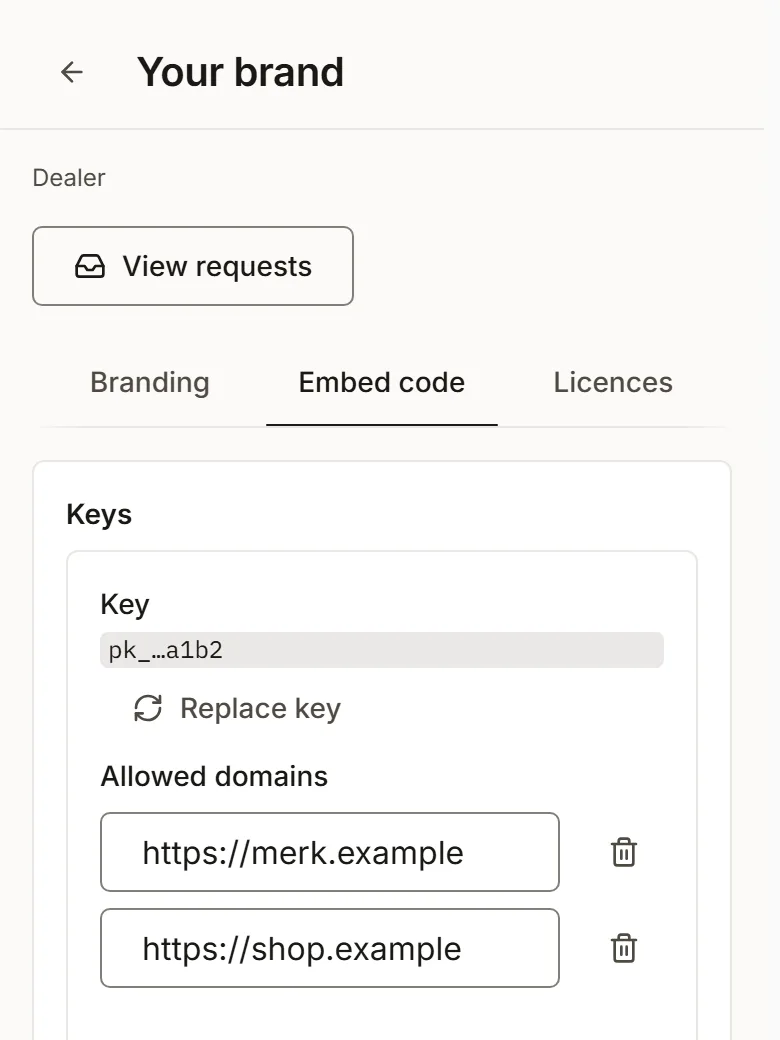
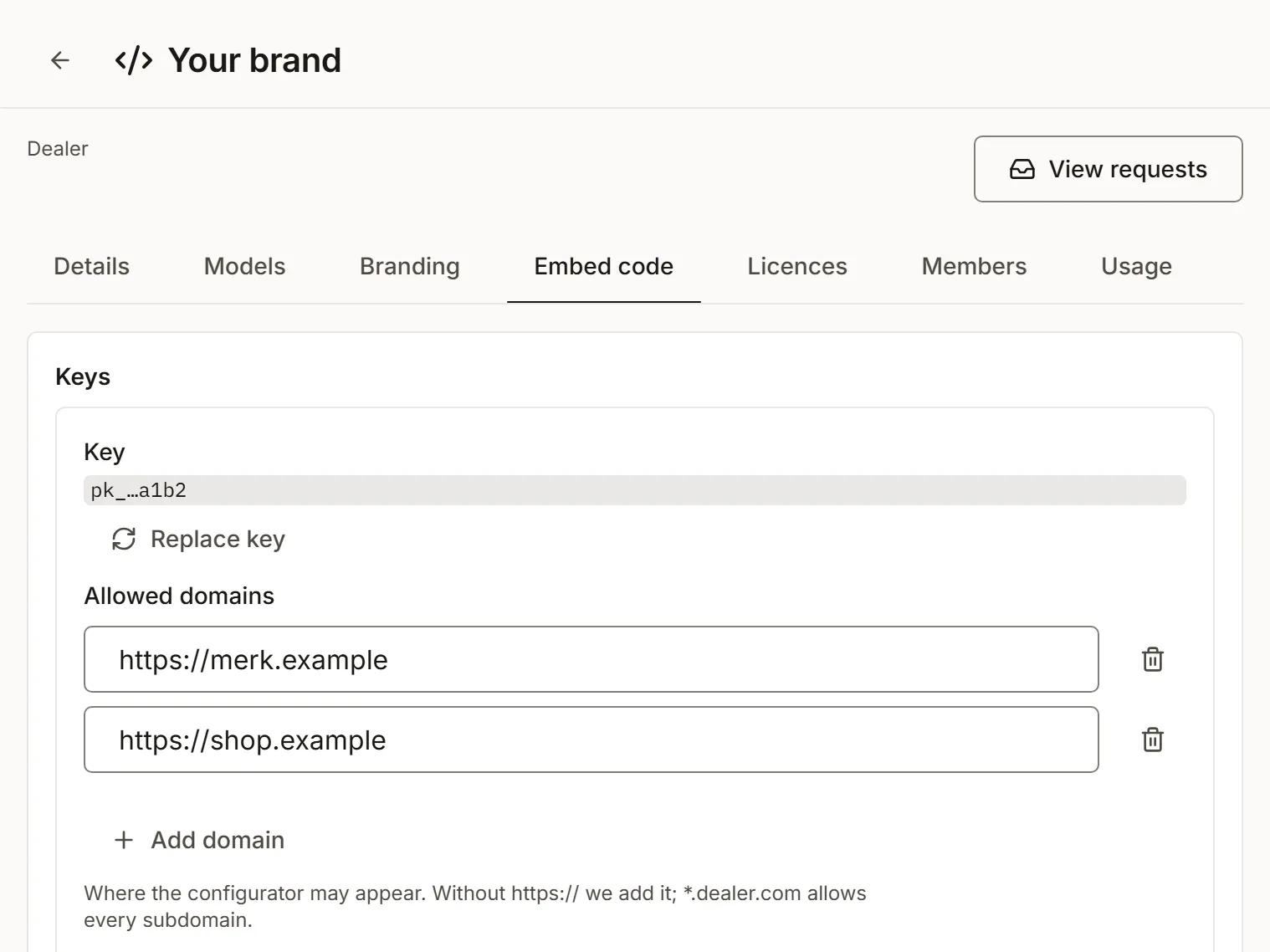
On your site in four steps
Everything you need is in the portal under Embed code. There is nothing to install.
1. Copy your code
In the portal, under Embed code, choose the model and the language. The code is ready with your own key.
2. Add your website
Under Allowed domains, enter your site's address, for example www.yourshop.com. With *.yourshop.com it may run on all your subdomains.
3. Paste it on your page
Put the code in an HTML block on the page where the configurator should go. The script places it there as a window, across the width of that spot.
4. Look at your site
The configurator is live, in your house style. What your customer requests arrives in your portal under Requests.
More about your key, your websites and your house style is in the knowledge base.
Compact, for example on your home page
In the portal, under Display, choose Compact: a 3D window with three quick choices and the price. All options opens the full configurator over the whole screen. Your code then has one extra line:
Tested on WordPress, WooCommerce and Magento
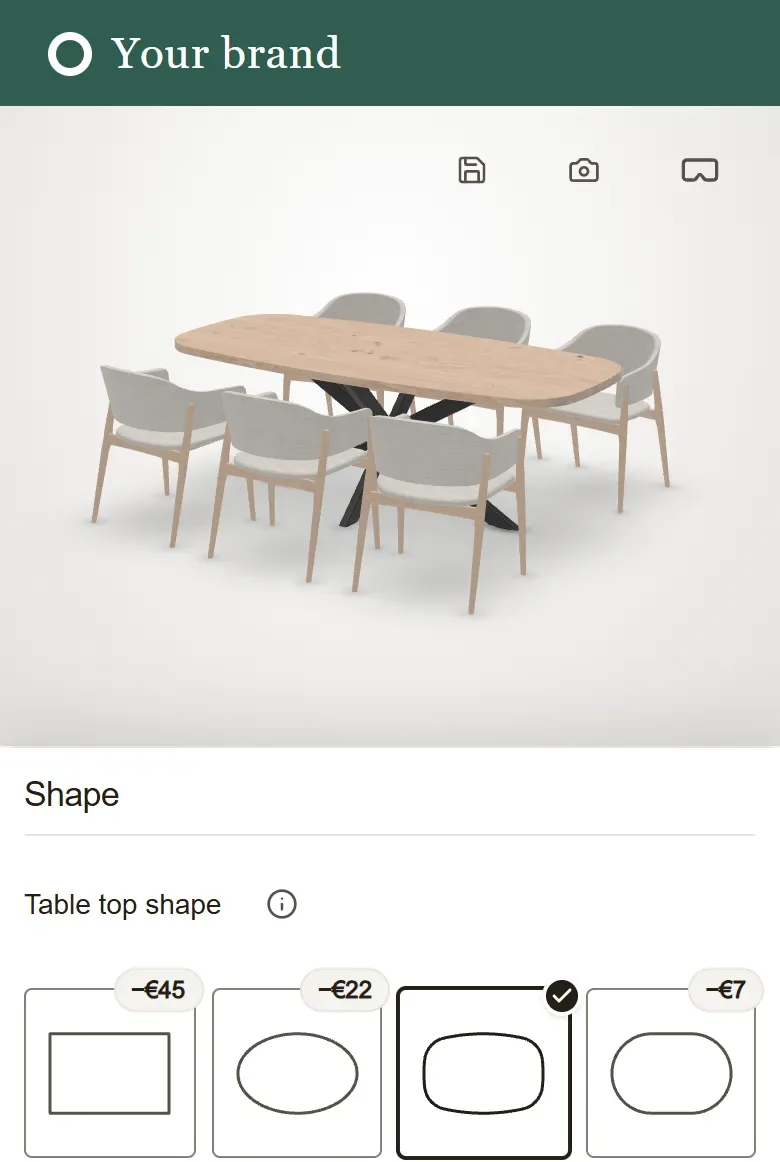
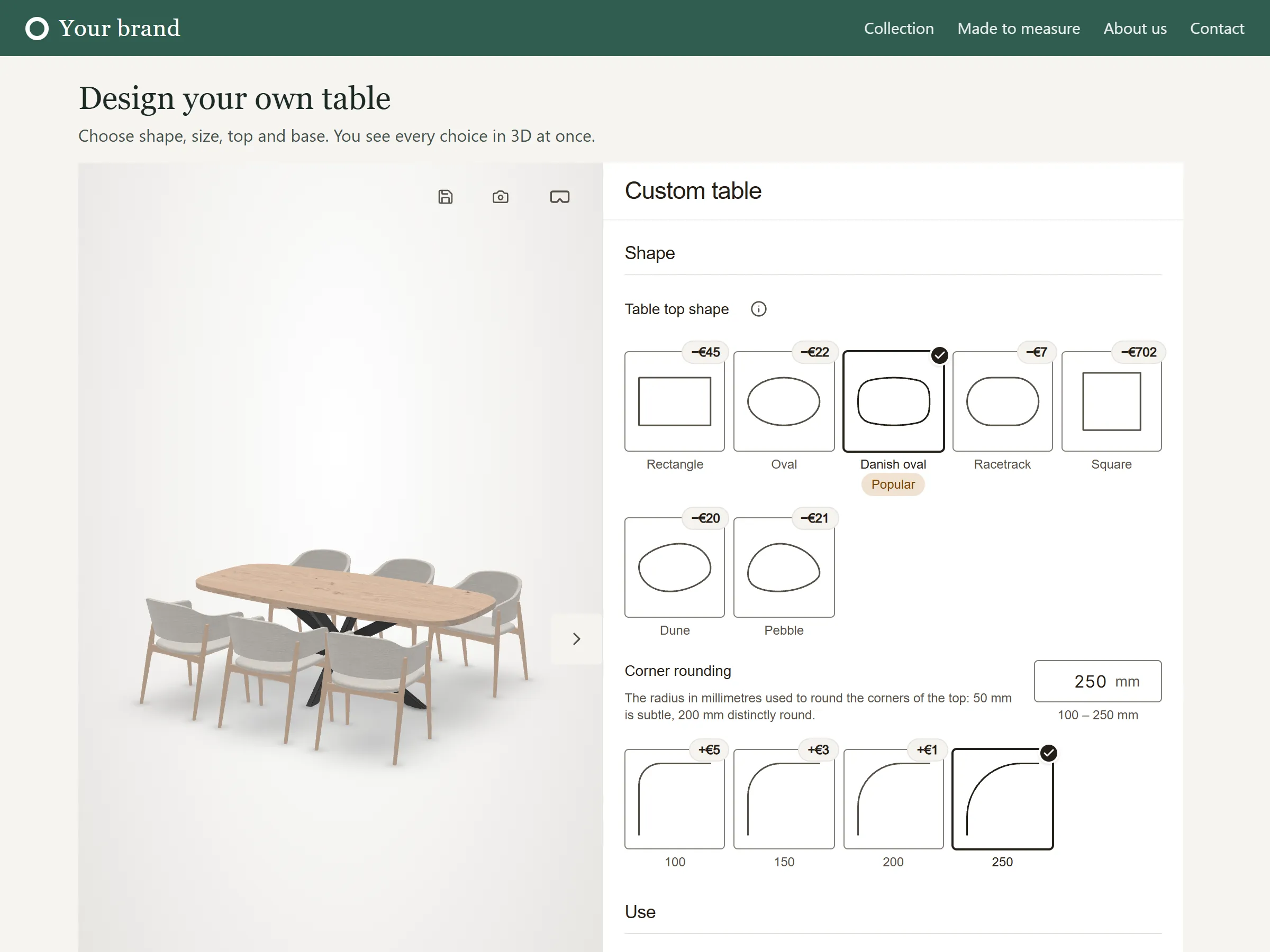
The embed code works on any site where you can place HTML. We tested it on these three: the configurator loads in 3D, the price follows every choice and the quote request opens. The pictures come from those sites.
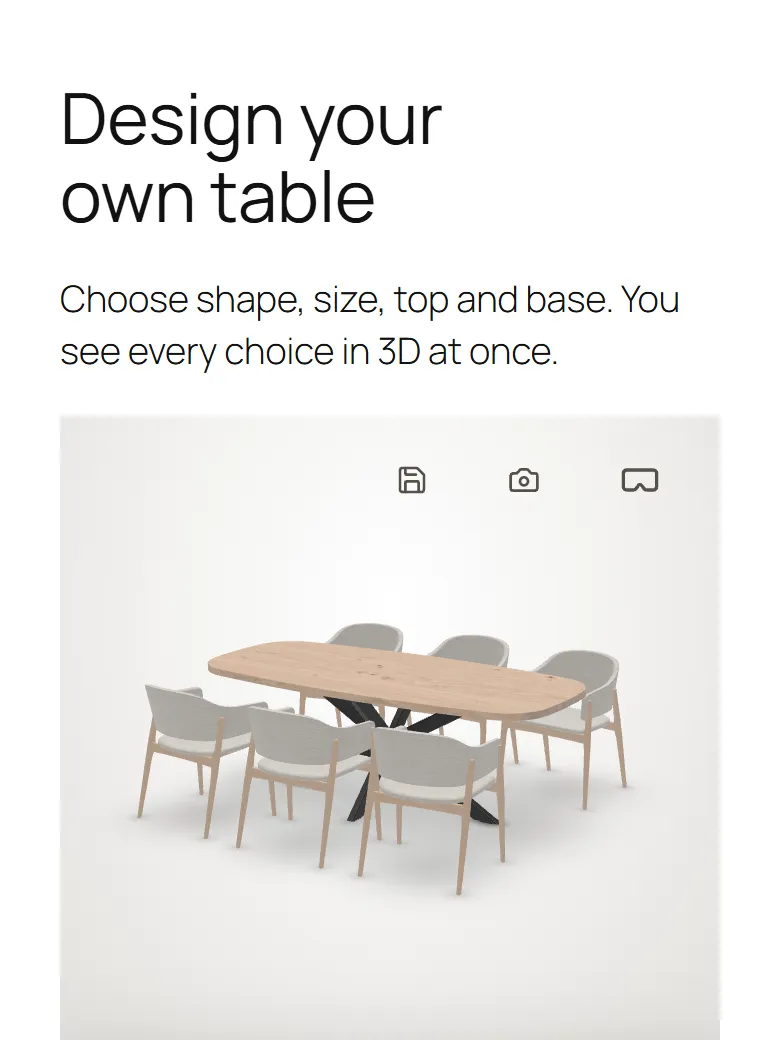
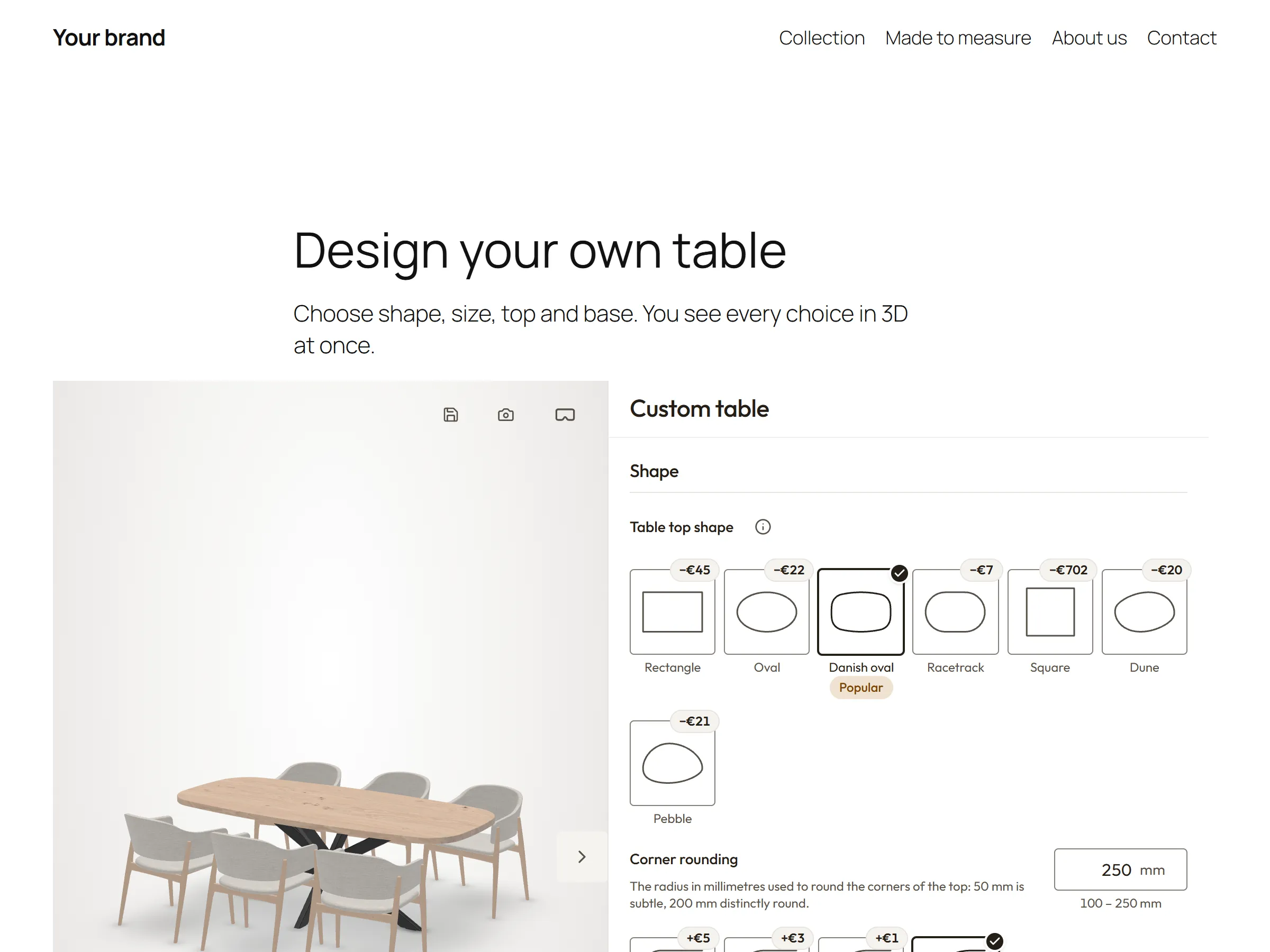
Tested WordPress
 7.1, theme Twenty Twenty-Five.
- Add a Custom HTML block, paste the code and click Update.
- Wider than the text column? Group the block and choose Wide width.
- An administrator or editor can place it; for an author, WordPress strips the script.
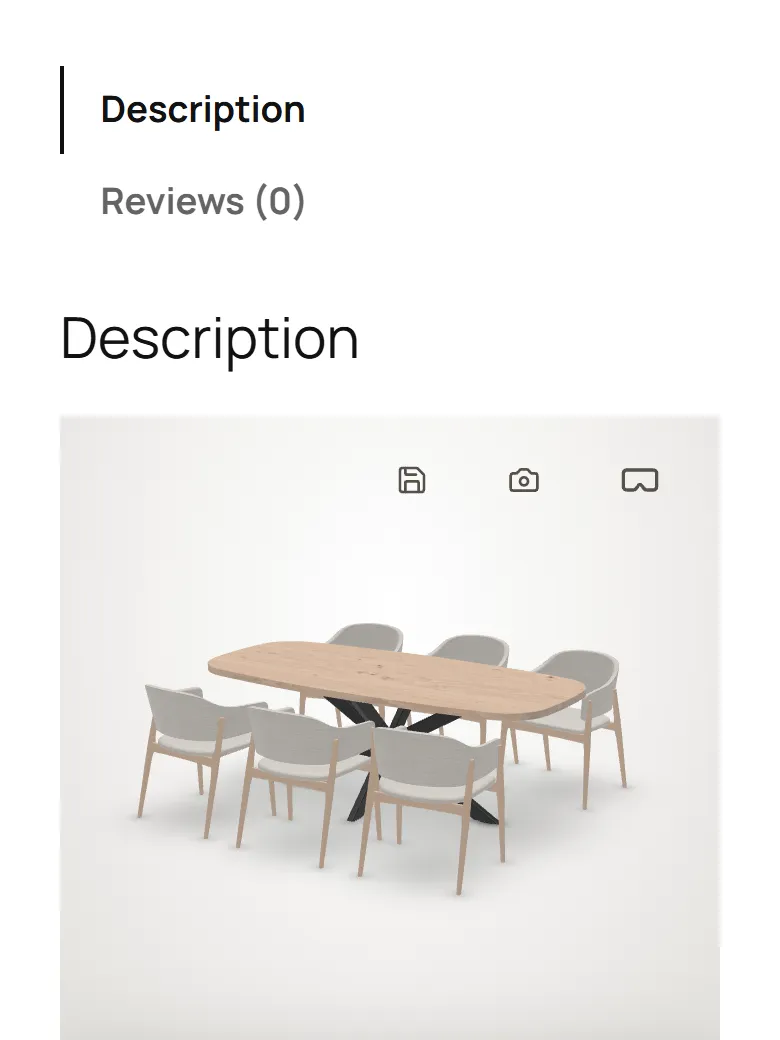
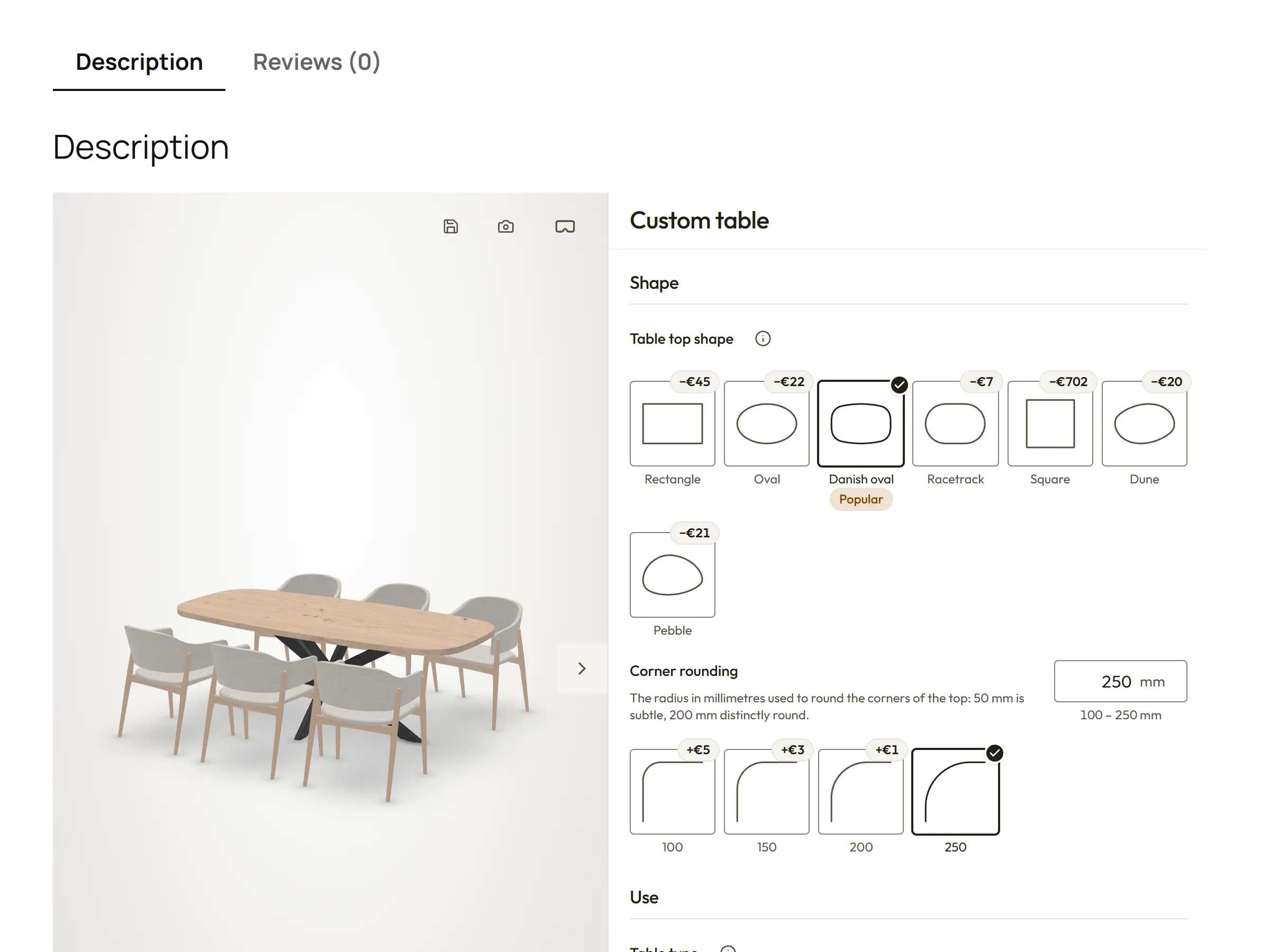
WooCommerce
TestedWooCommerce 11.1 on WordPress.
- Open the product and choose the Text or Code tab in its description.
- Paste the code where the configurator should appear and click Update.
- Paste it in the editor: an import or the REST API strips the script.
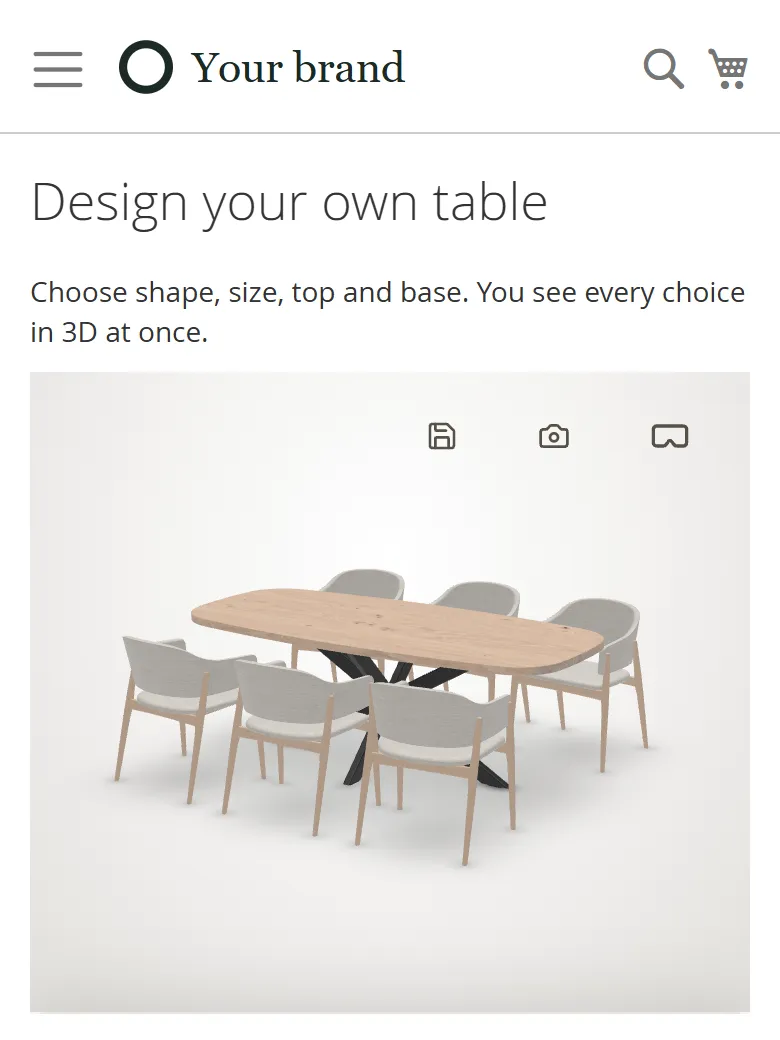
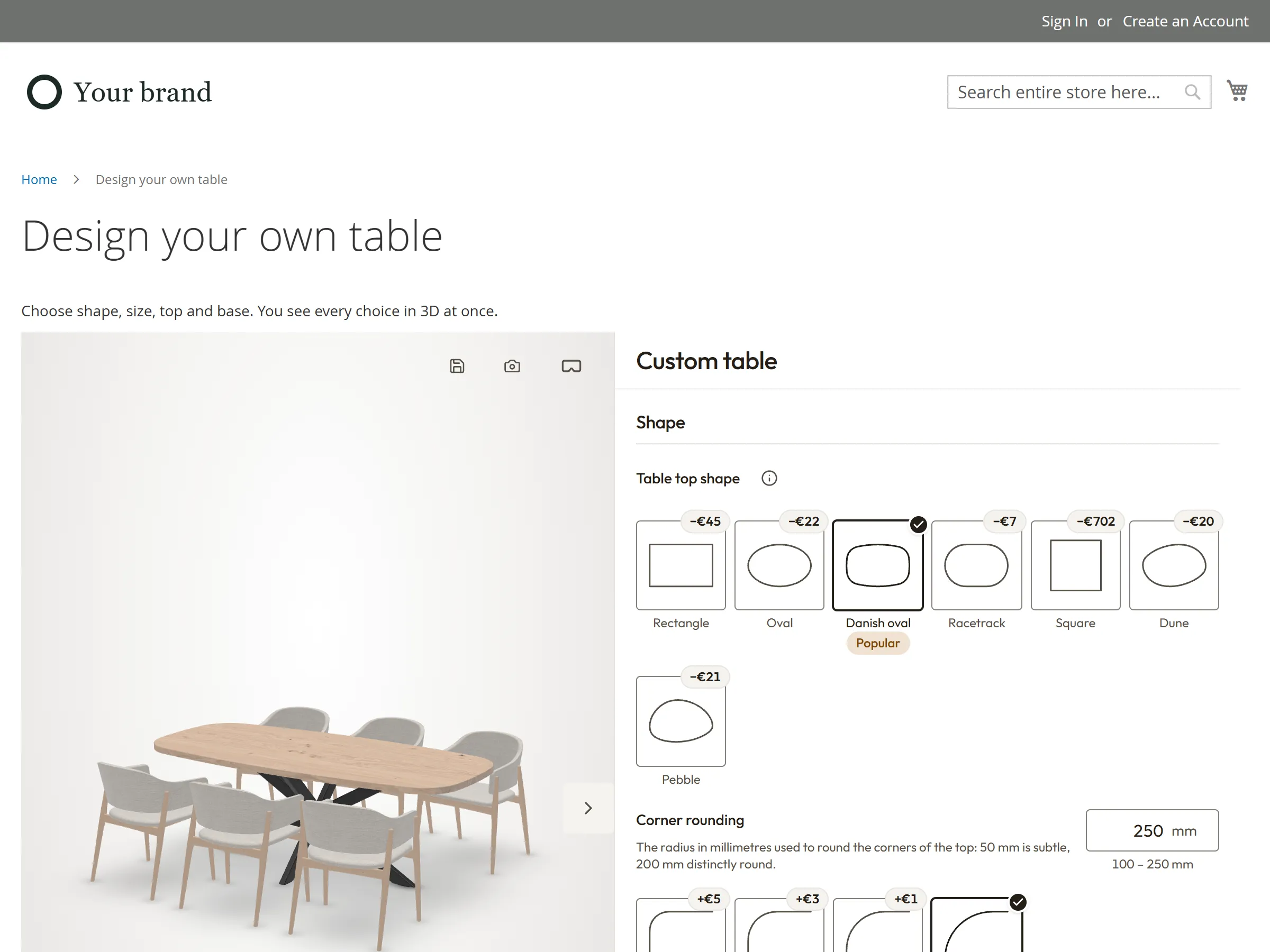
Magento
TestedMagento Open Source 2.4.7, theme Luma.
- In Page Builder, drag the HTML Code element onto your CMS page and paste the code.
- No Page Builder? Paste the code into the content of the page or of a block.
- If your Content Security Policy is enforced, add works.tulmans.nl to your csp_whitelist.xml.
Your brand, your request
Your customer stays on your site and sees only your brand. What they request reaches you through Tulmans works, not your webshop.
The request arrives in your portal
With the configuration, the price and an image of the piece, and by email from your own address too, once you set up your mail server in the portal. There you turn it into a quote, which your customer accepts online. Nothing goes into your webshop's cart or order management.
No other brand name
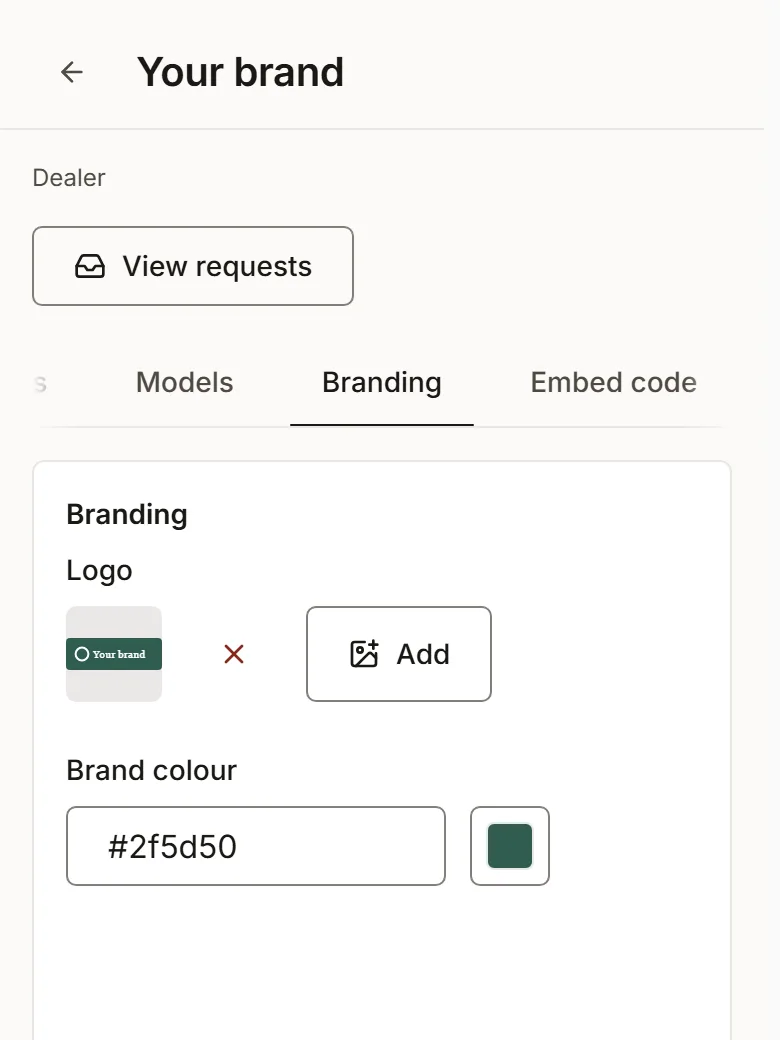
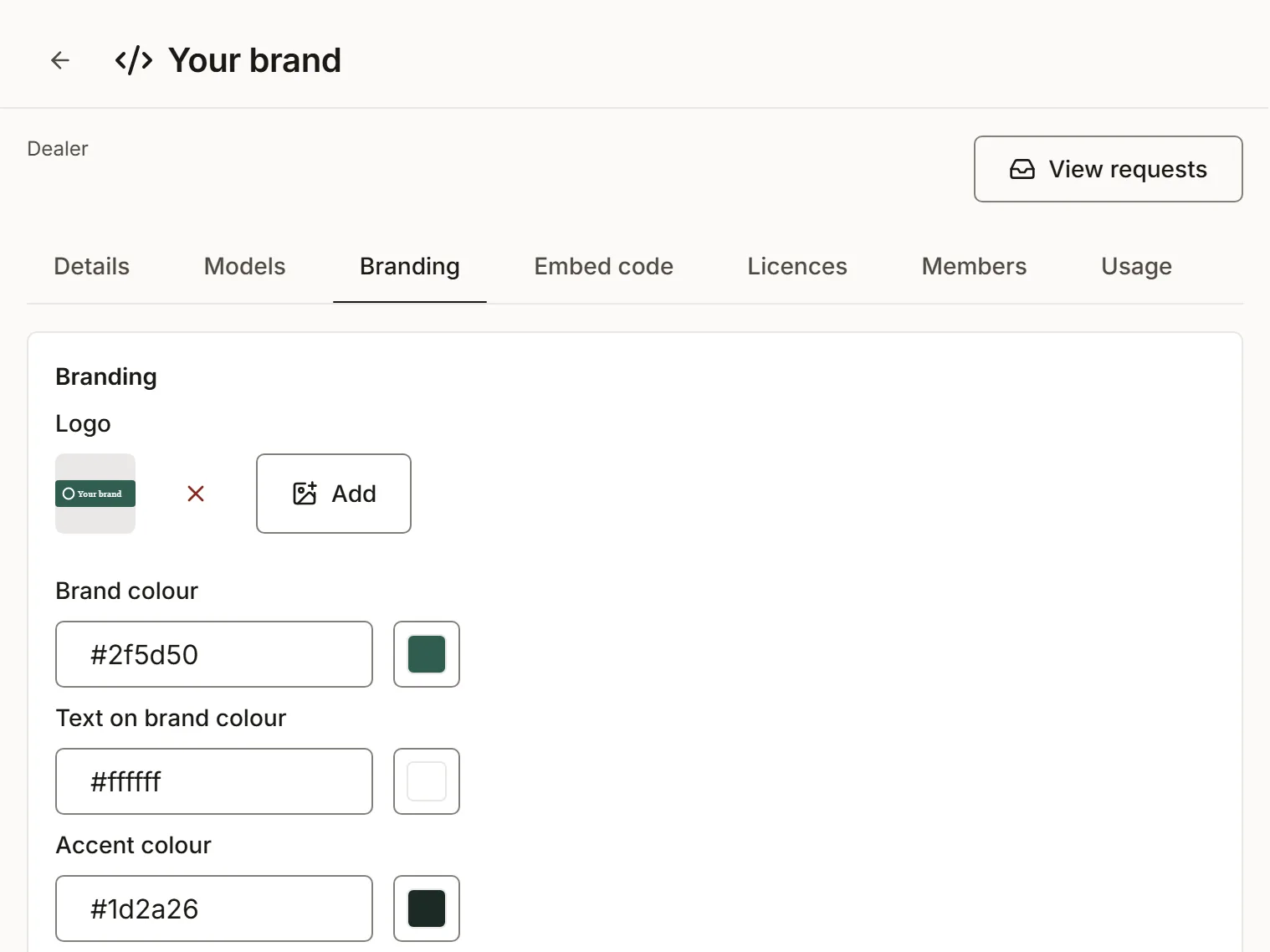
Your customer sees your logo, your colours and your font. The emails to your customer also go out in your name, and a reply comes back to you.
Only on your websites
The configurator appears only on the addresses listed with your key. On any other site the browser refuses to show it.
No customer data on your page
The form sits in the Tulmans works window. Your page only hears when the configurator is ready, when something is configured or when a request has been sent, never who your customer is. You can pick up those signals in your own analytics.
Your pricing stays in-house
The price is calculated on the server. The manufacturer's pricing rules and the dealer's markup are not in the page, not even for someone reading the source code.
See it in 15 minutes, with your own models
We show you the configurator and the back office and answer your questions. No obligation.