
How it works
You choose your models, prices and house style, and paste one code on your site. Rather not set it up yourself? Then we do it, with a proposal first.
You request a demo
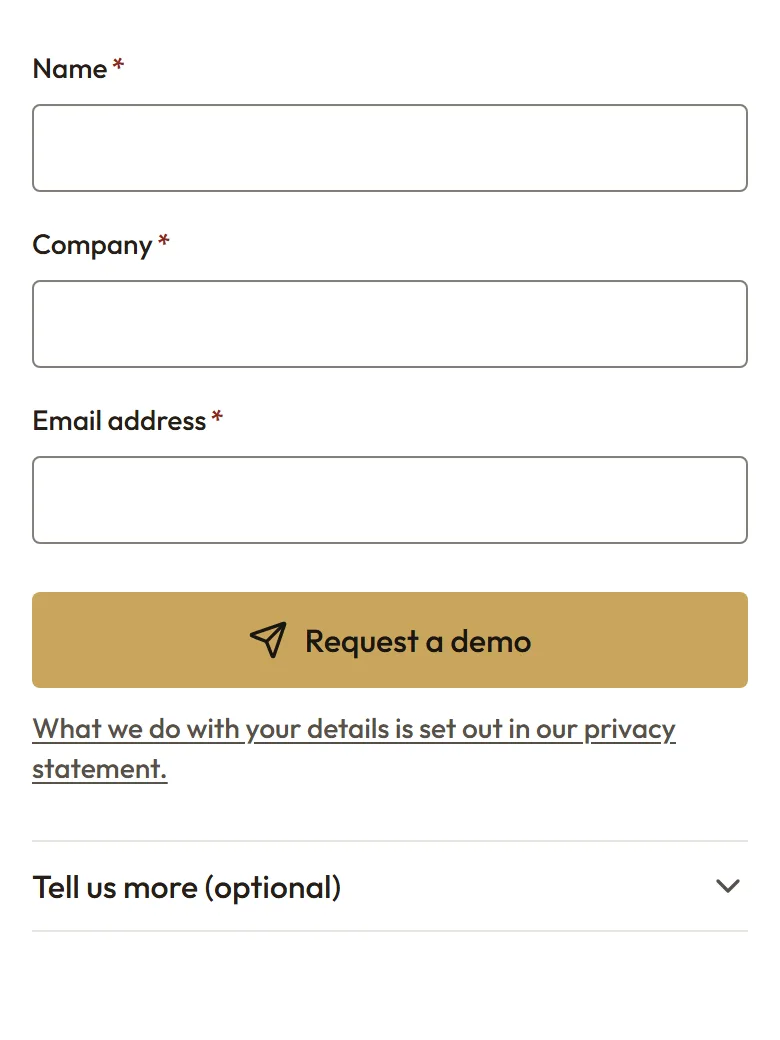
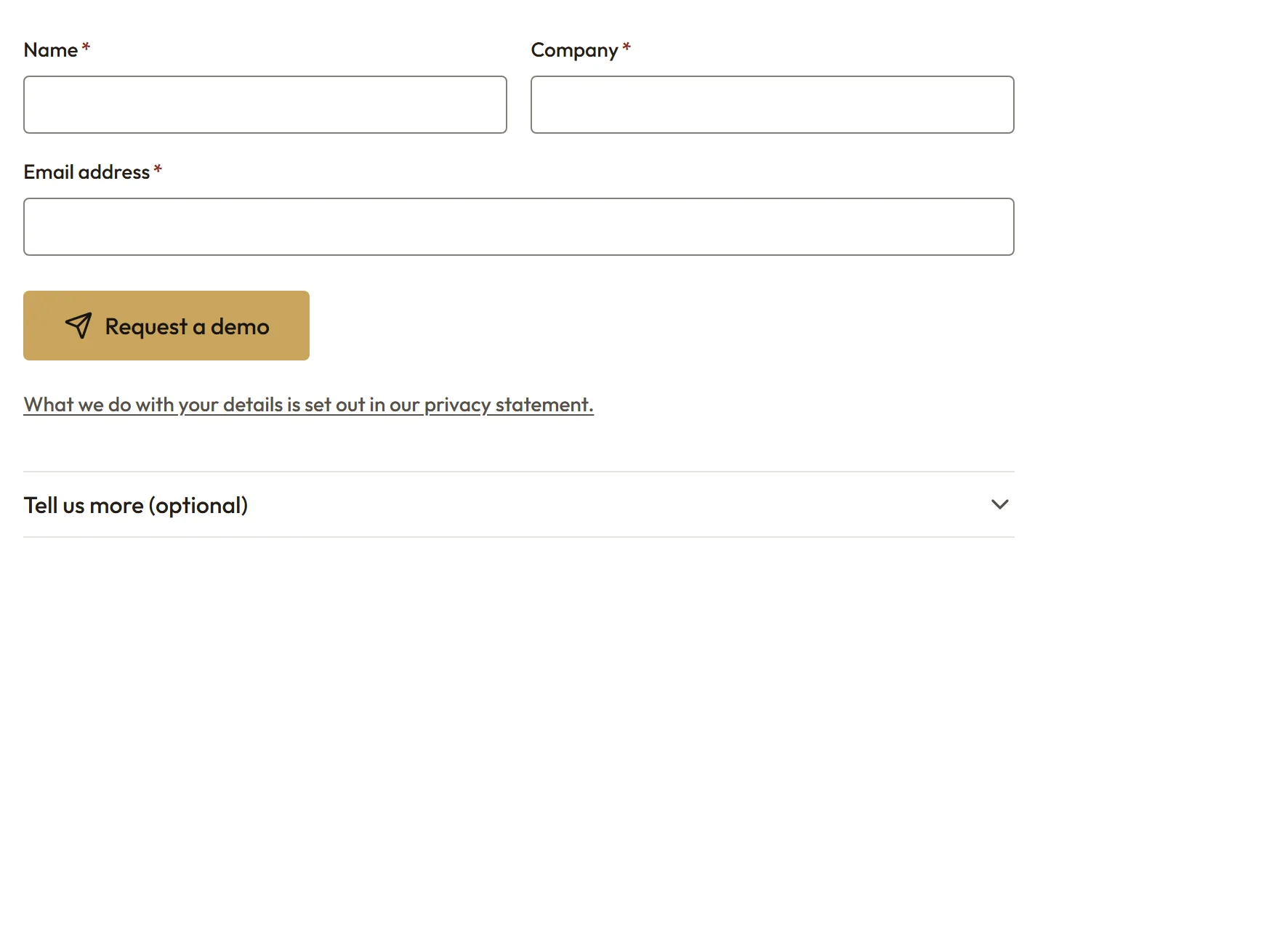
By youYou leave your name, company and email; the modules you want may come along. In a 15-minute demo Tulmans works shows it to you. Then you try it free and get a proposal before your trial ends.
Your account is ready, you set it up
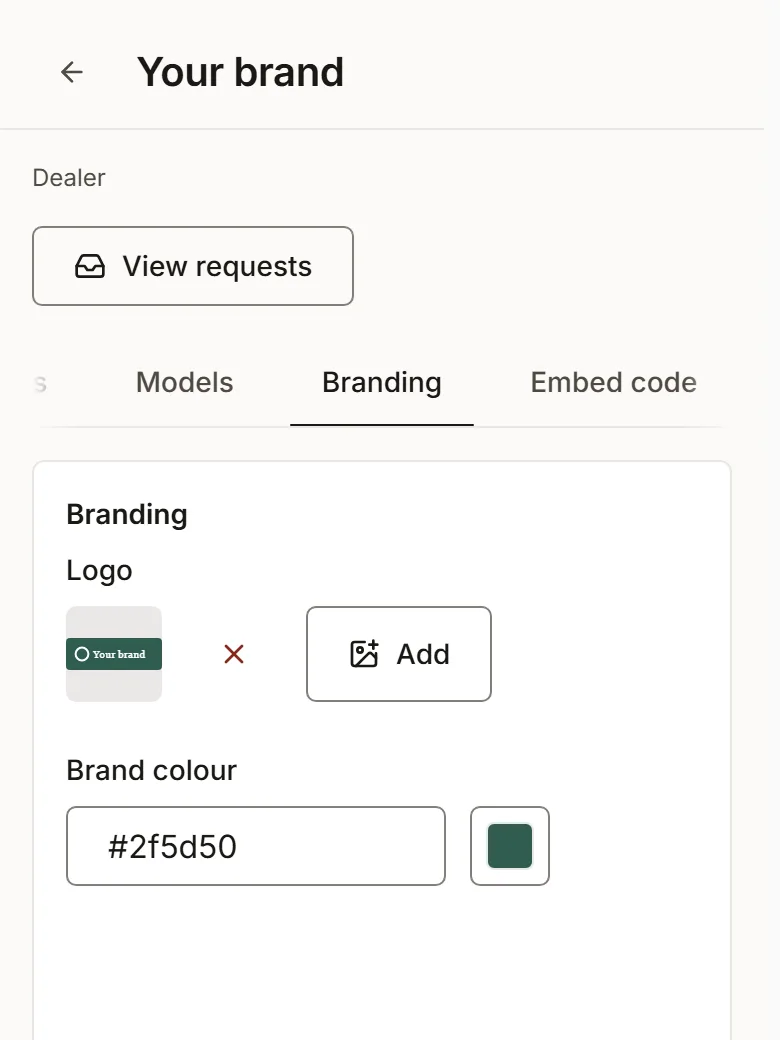
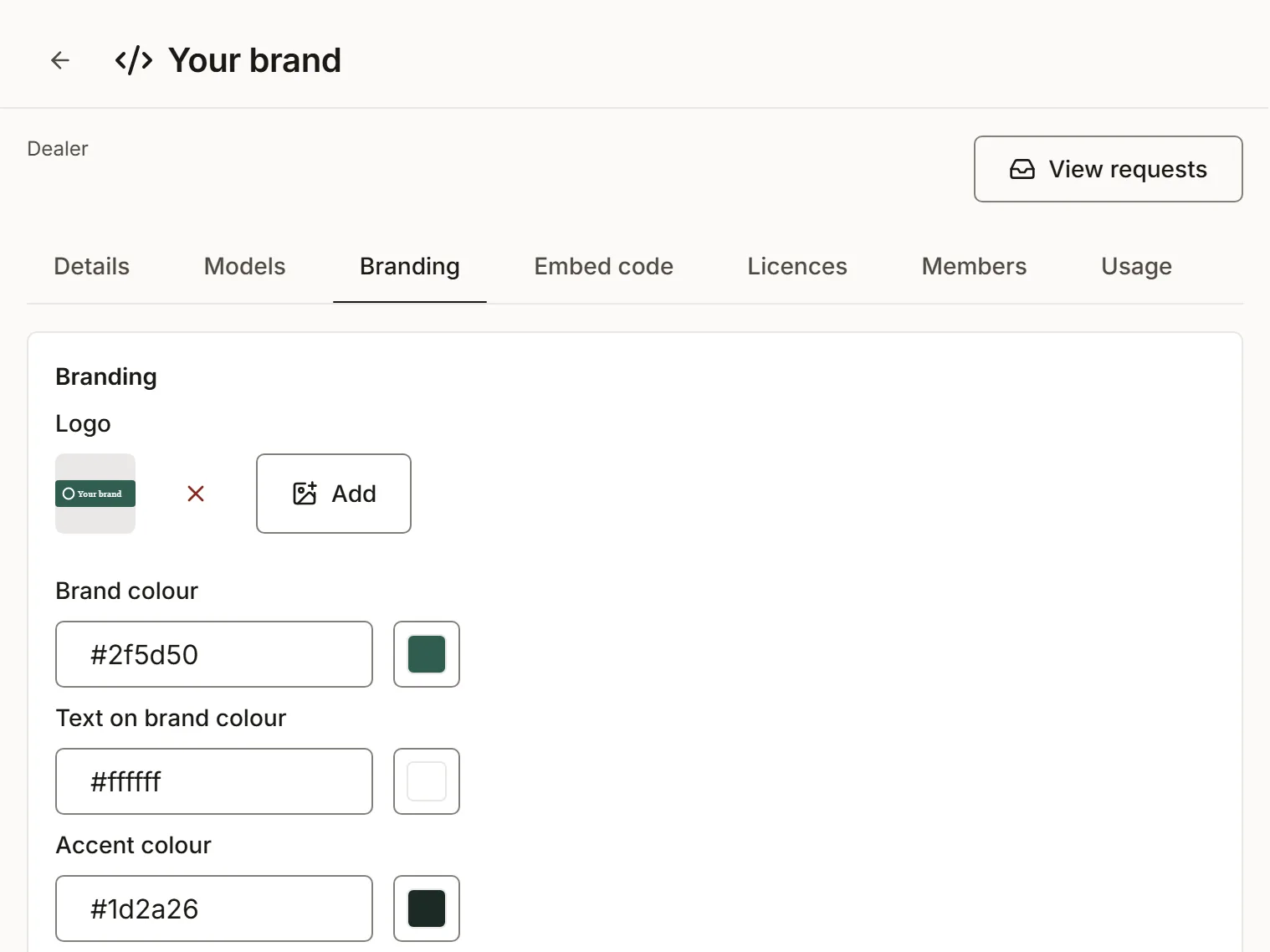
By you or Tulmans worksTulmans works creates your organisation, switches your modules on and invites you to your portal. There you choose your models, your prices and your house style. Rather have Tulmans works set it up? Then you get a proposal first.
You put it on your site
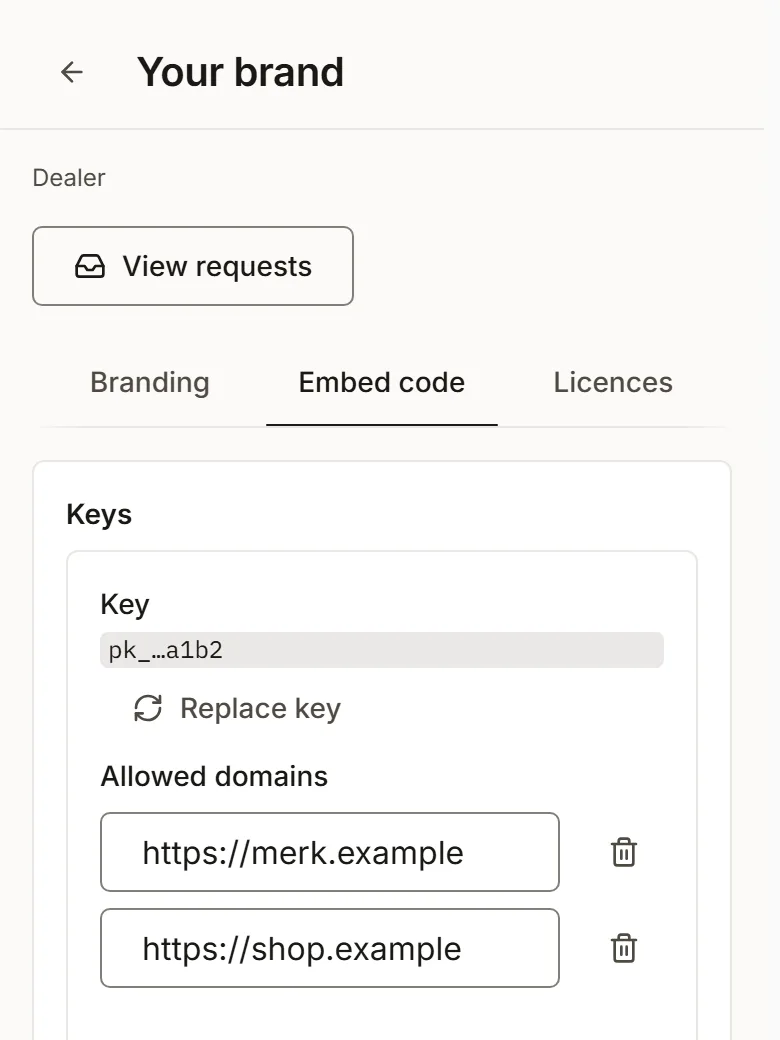
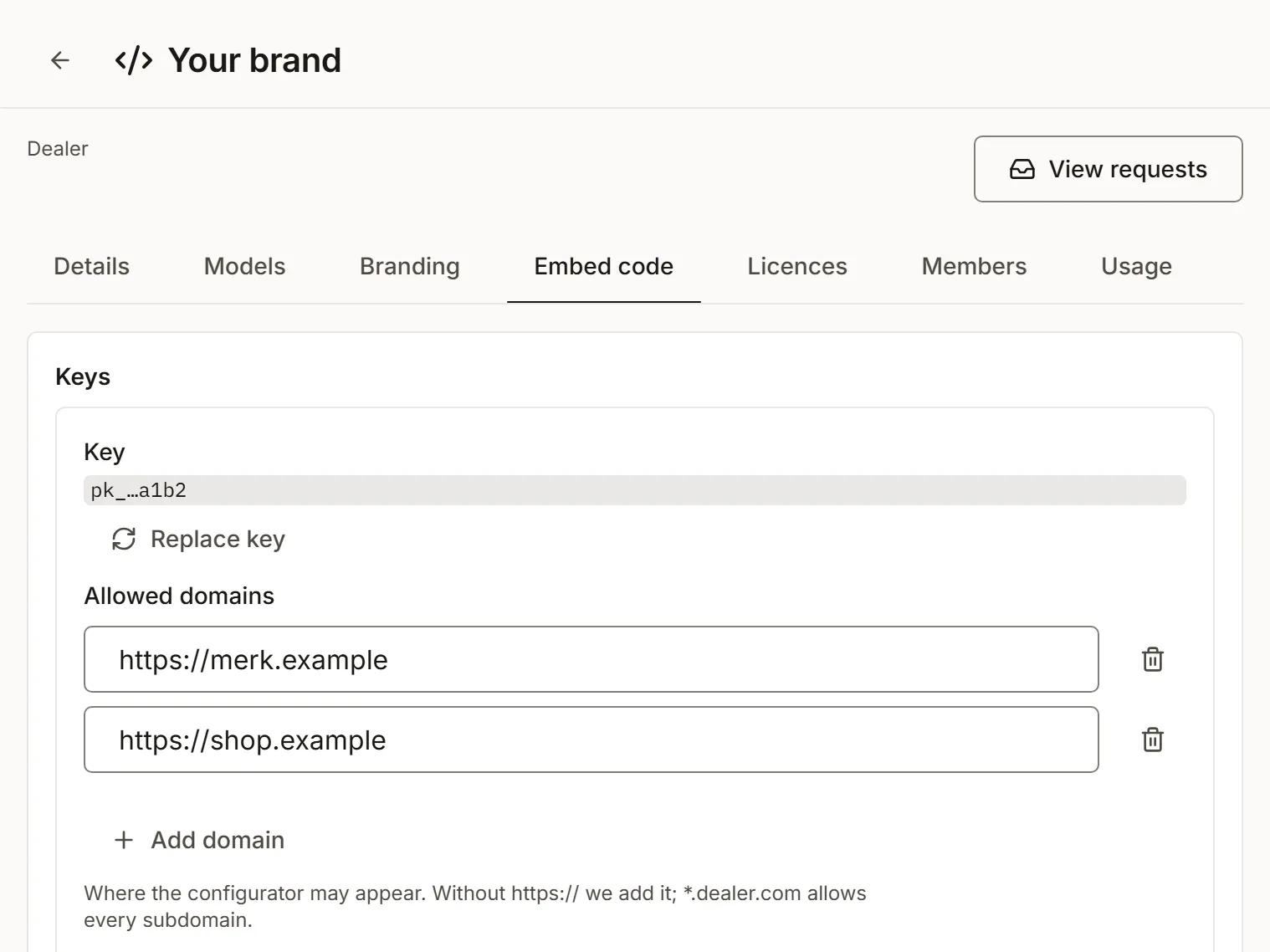
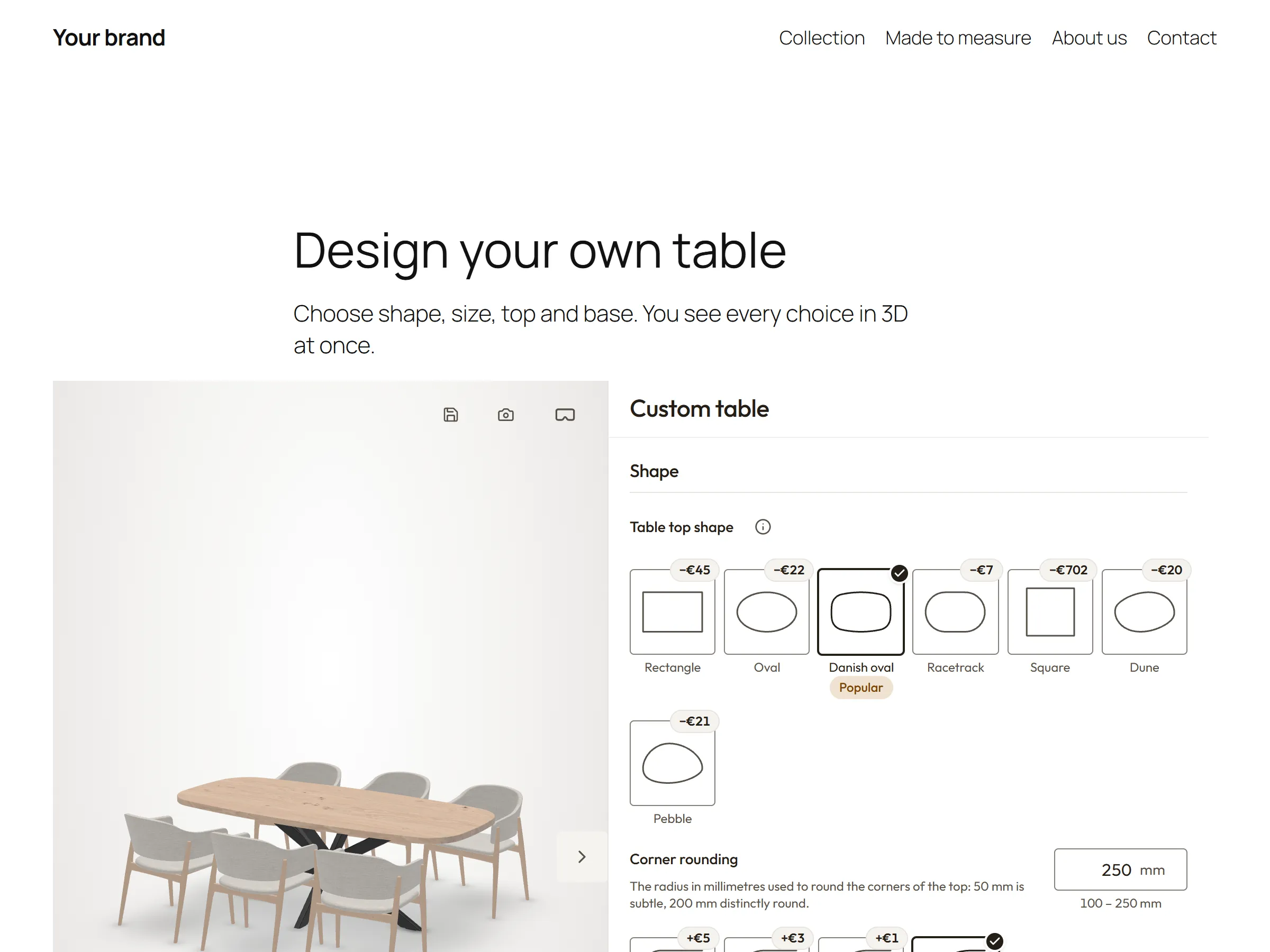
By youYou add your site's address, copy the code and paste it on your page. It works on any site where you can place HTML.
Your customer builds it, you get the request
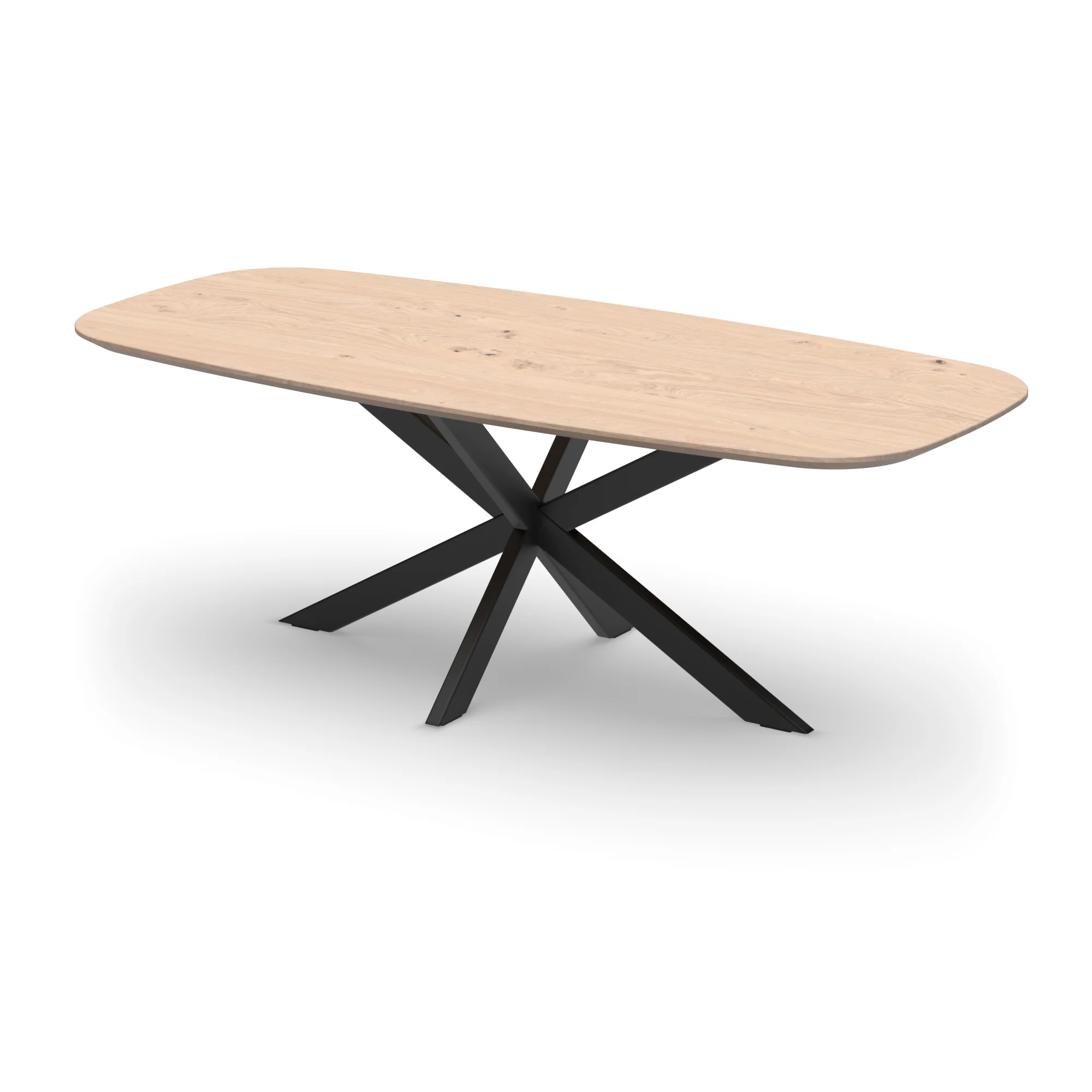
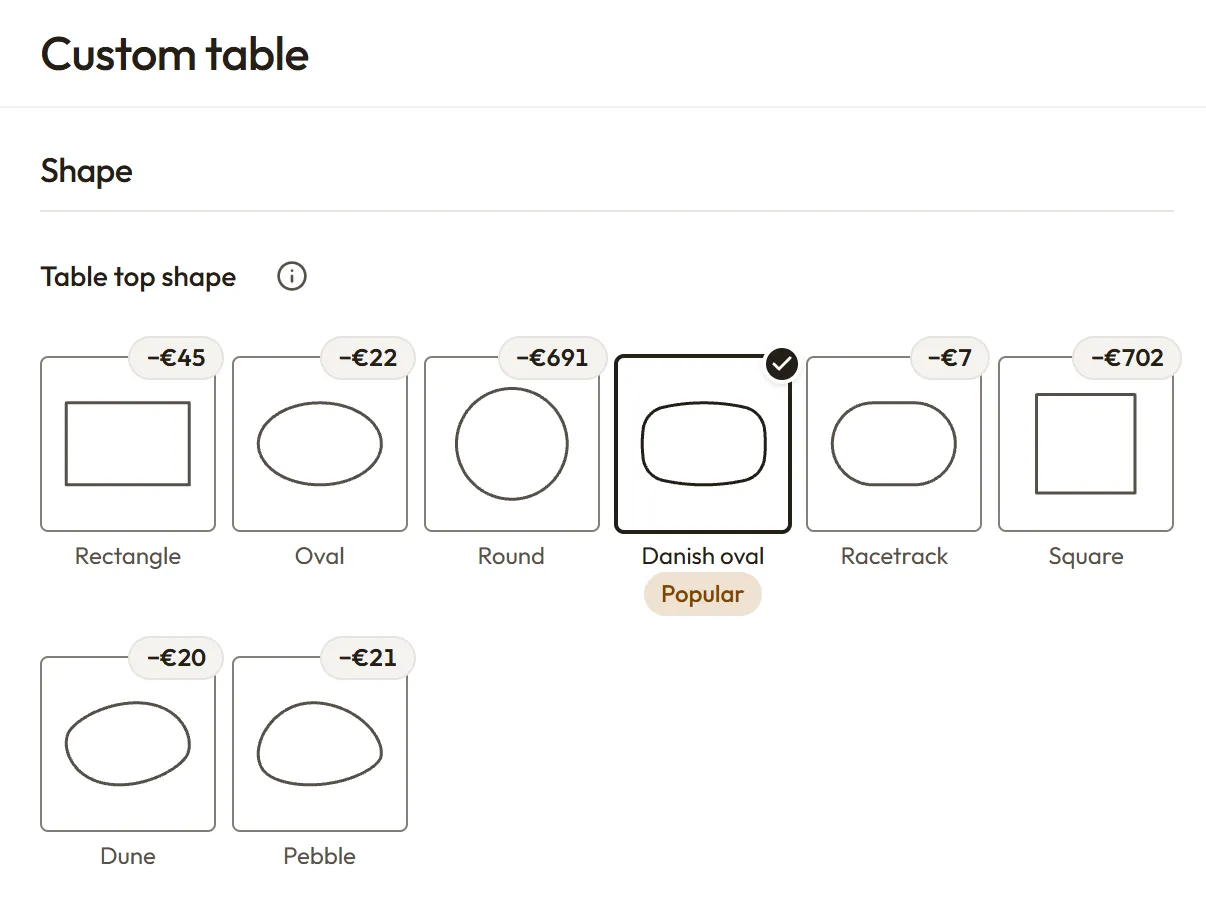
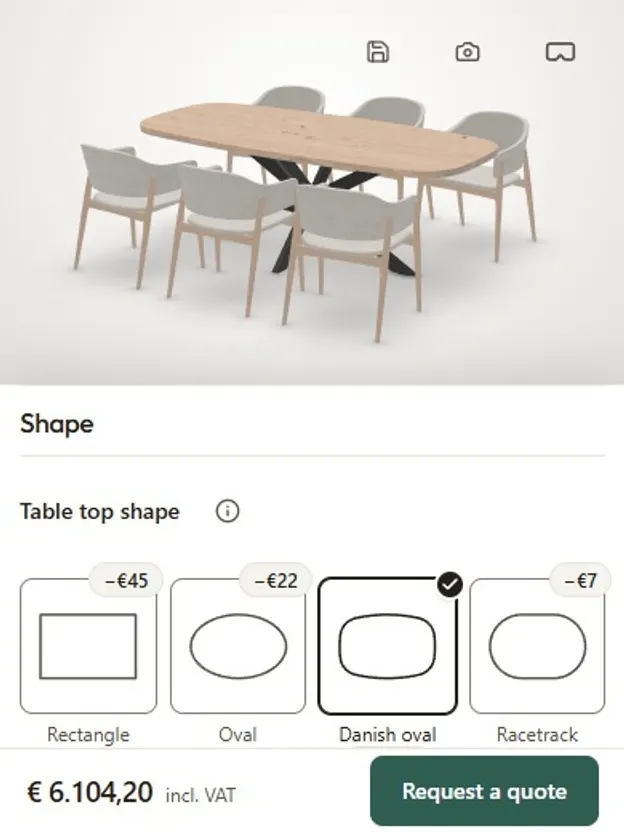
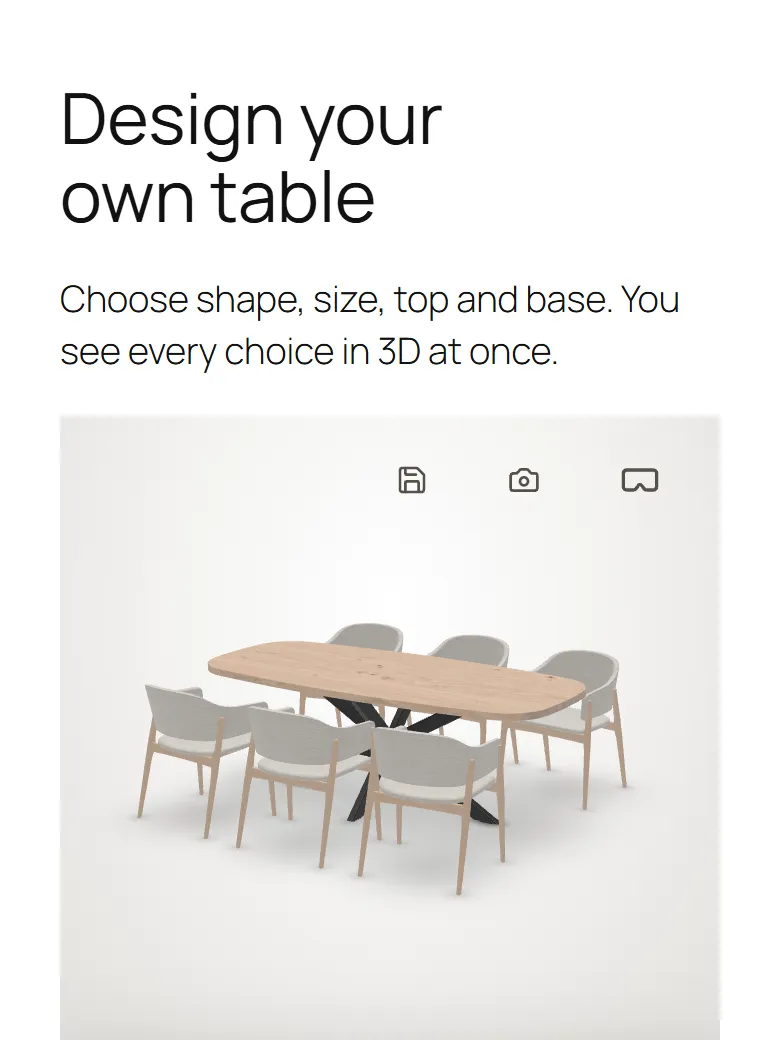
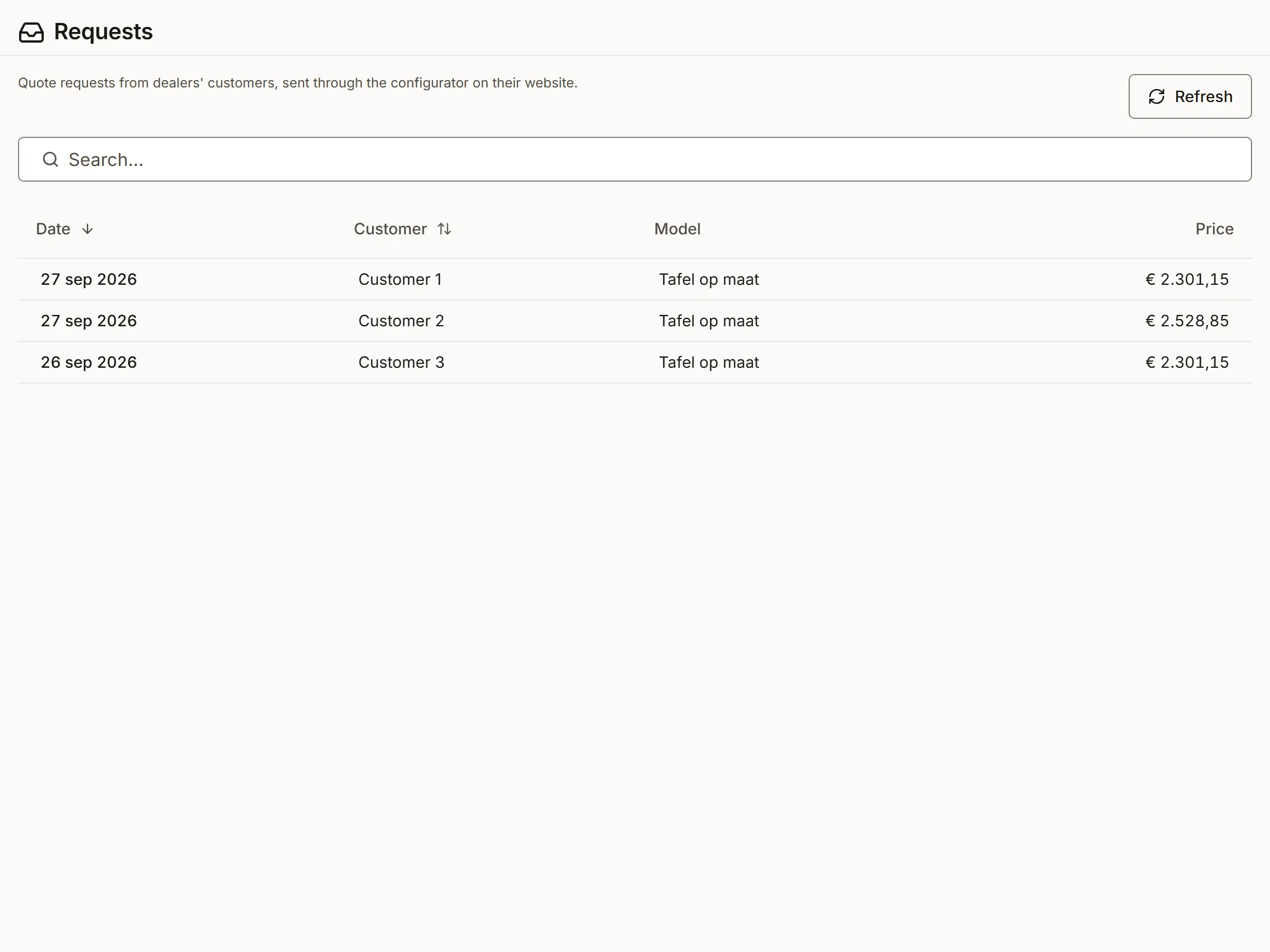
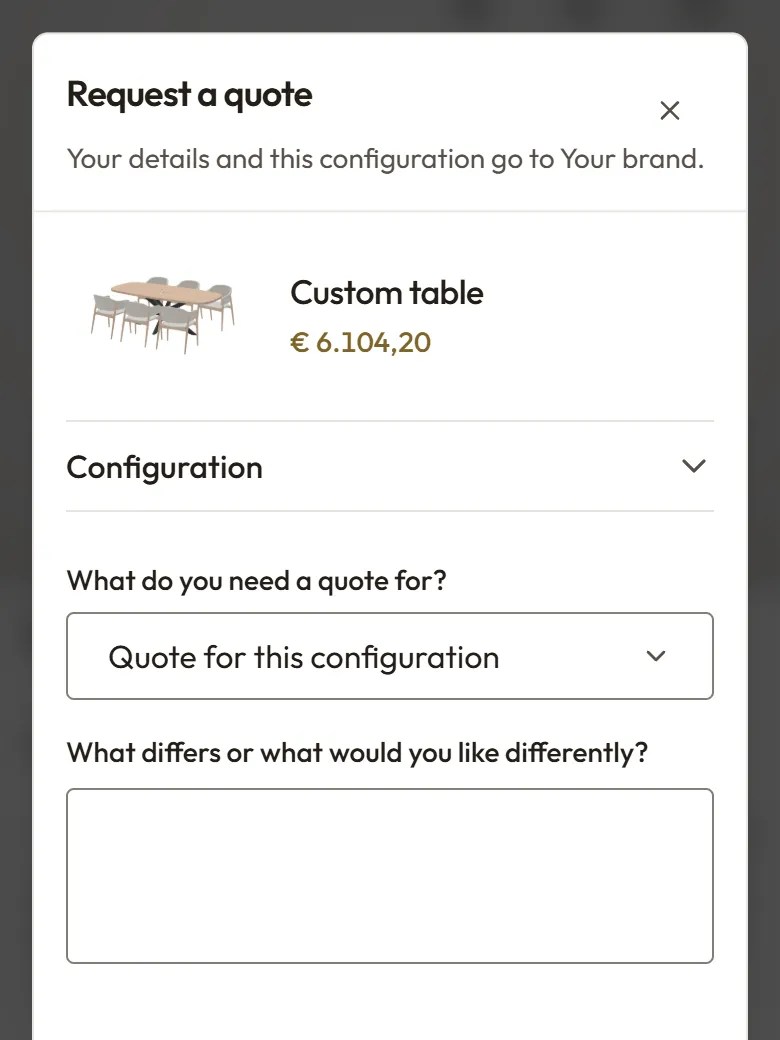
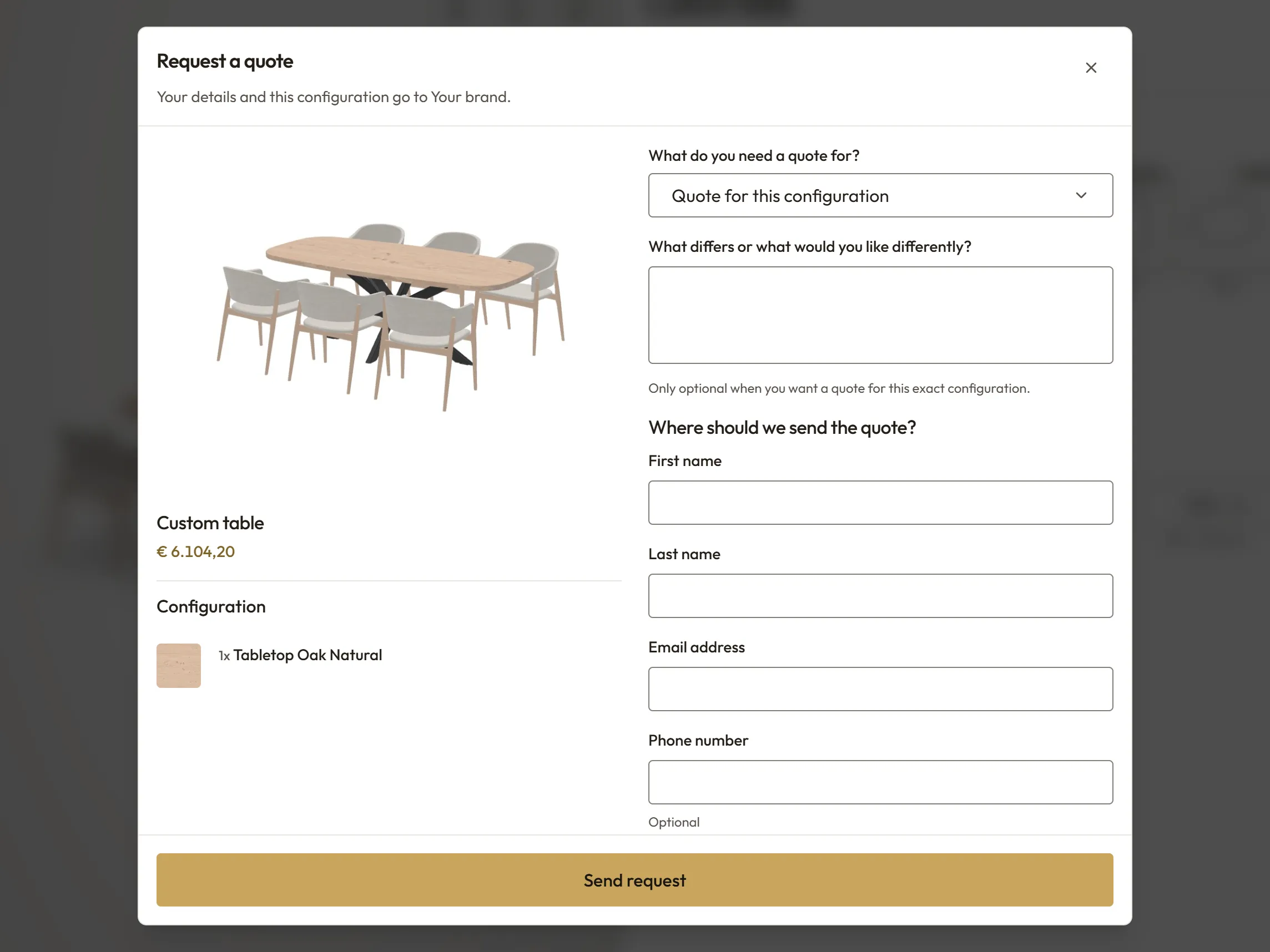
By your customerYour customer puts the piece together in 3D, sees the price with every choice and requests a quote. The request is in your portal, with the configuration and the price; you turn it into a quote your customer accepts online. Try it yourself below.

Rather read it at your own pace? The knowledge base has every step written out, with the screens alongside.
How the admin works
What you set in your portal, your customer sees straight away in the configurator.
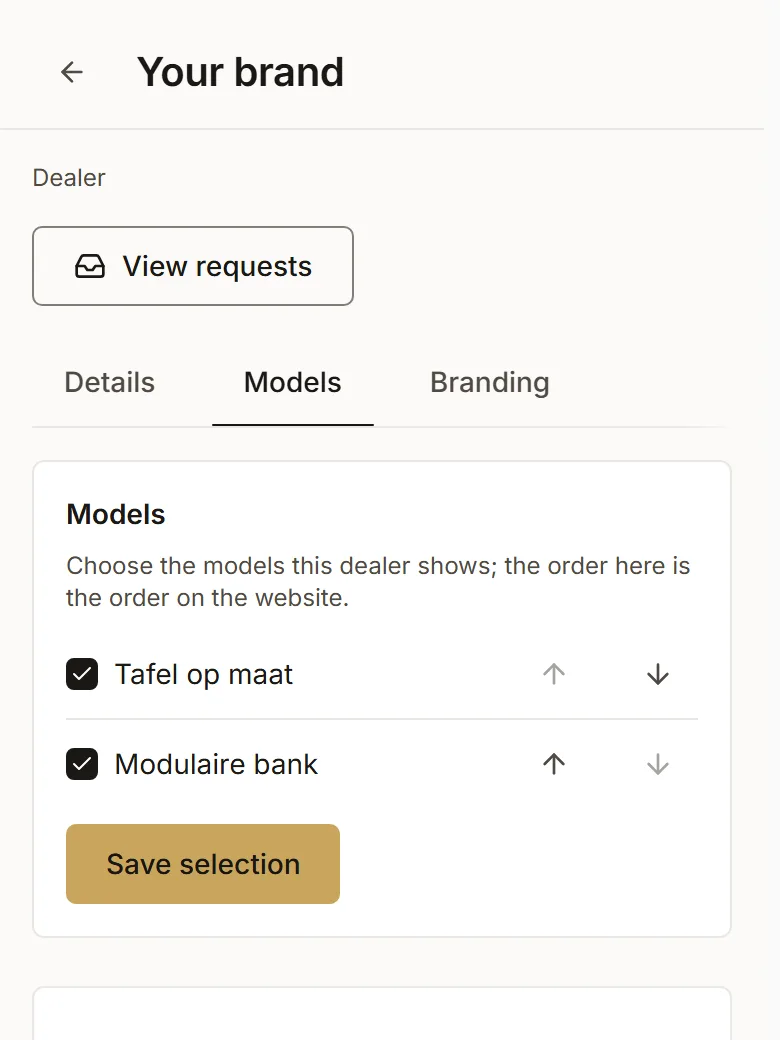
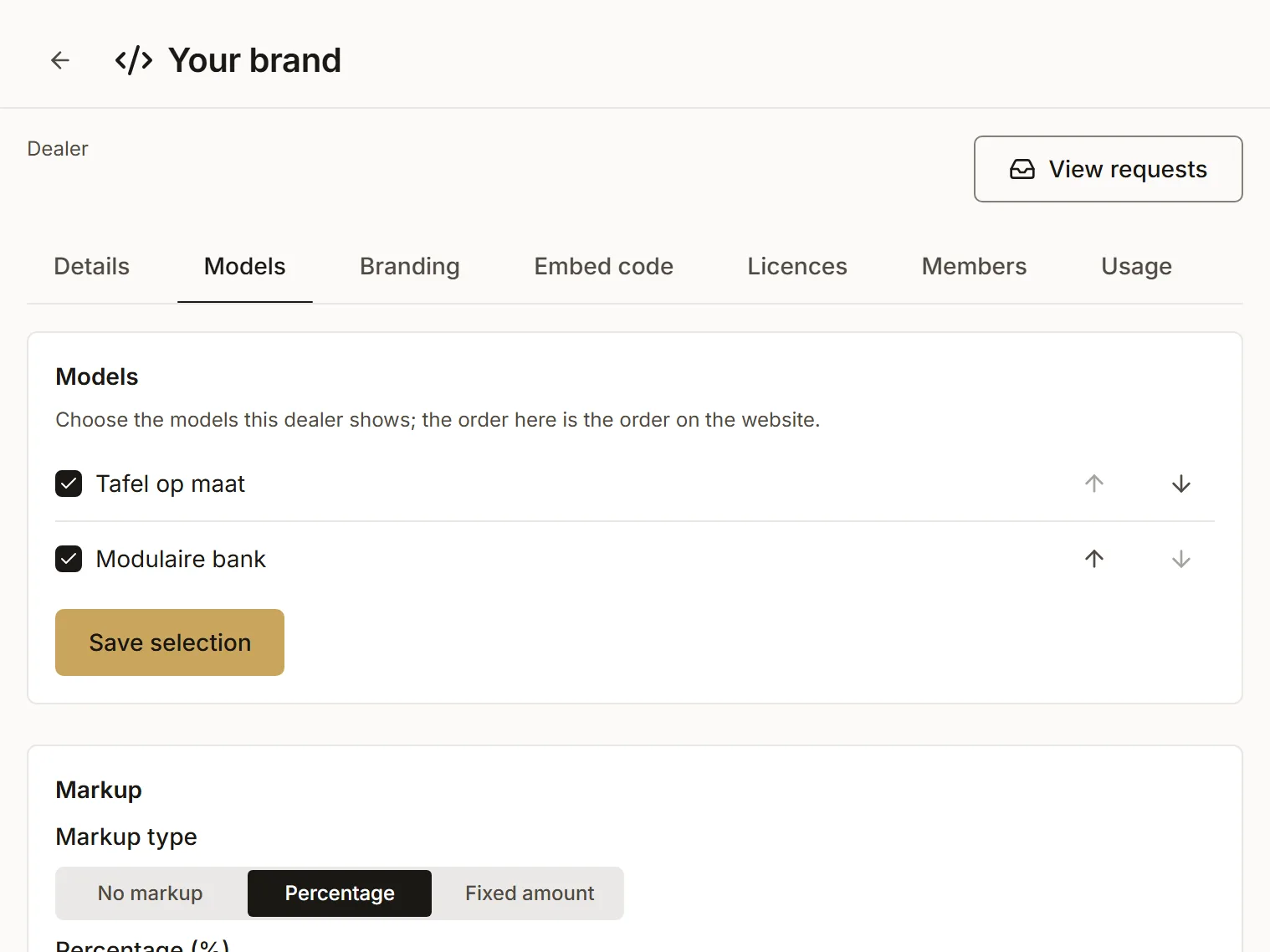
Choose which models are on your site, and in which order.
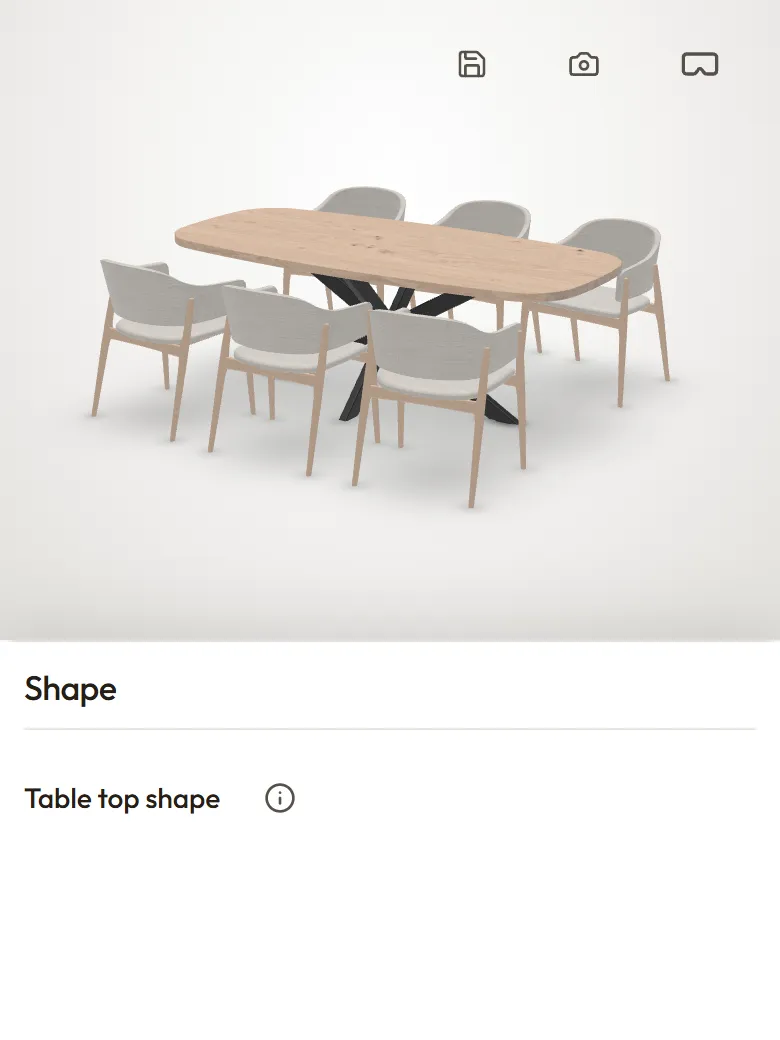
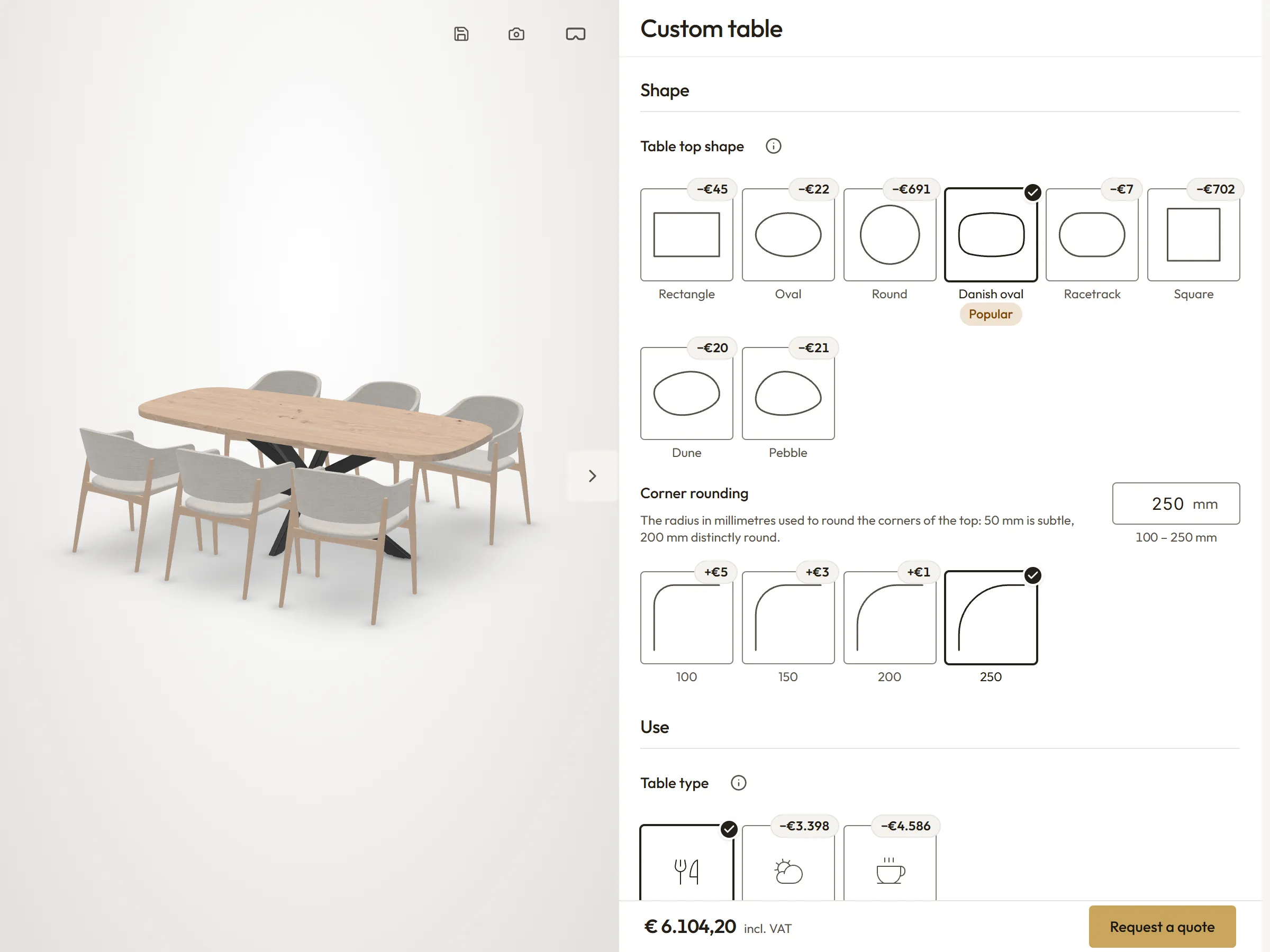
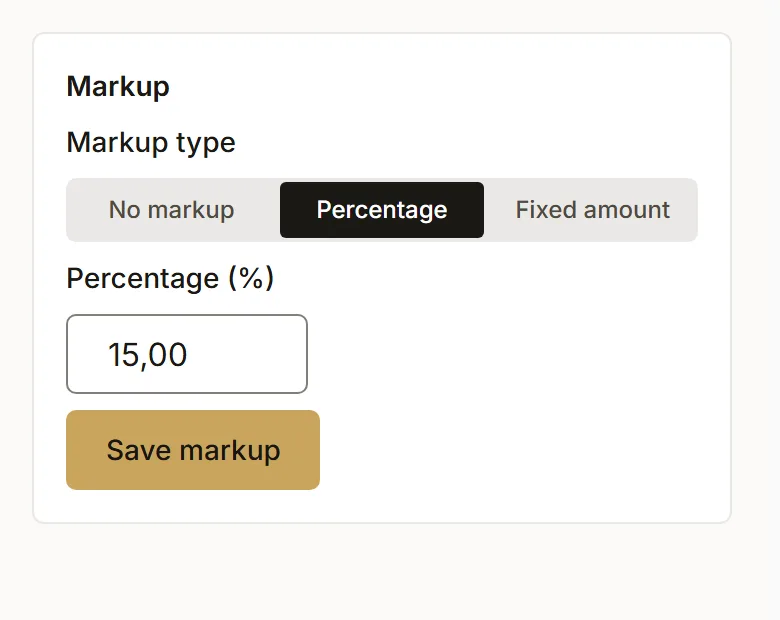
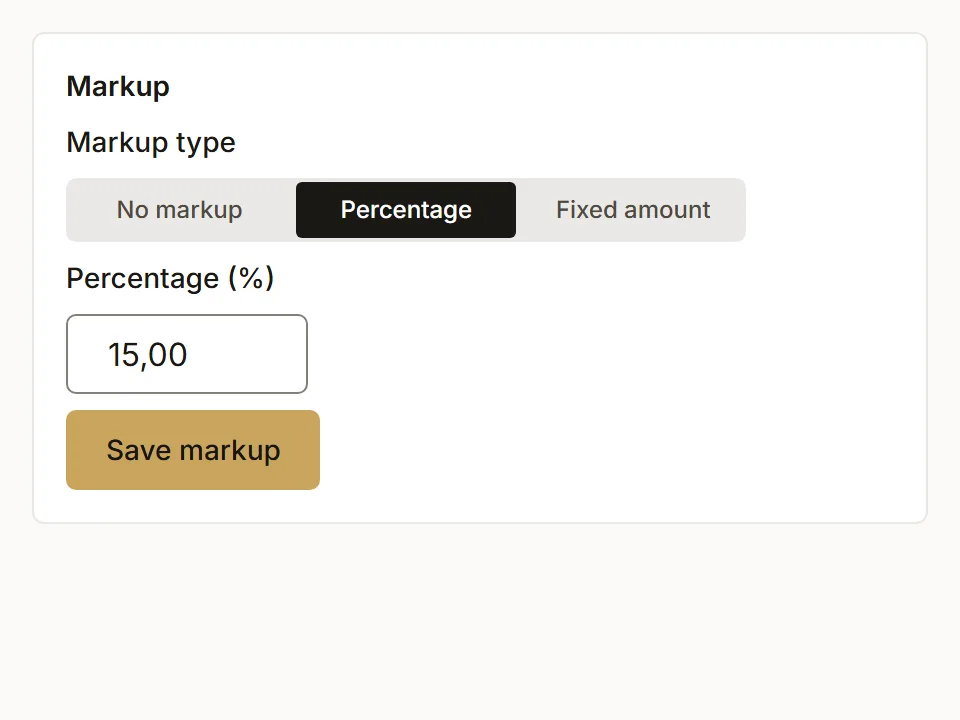
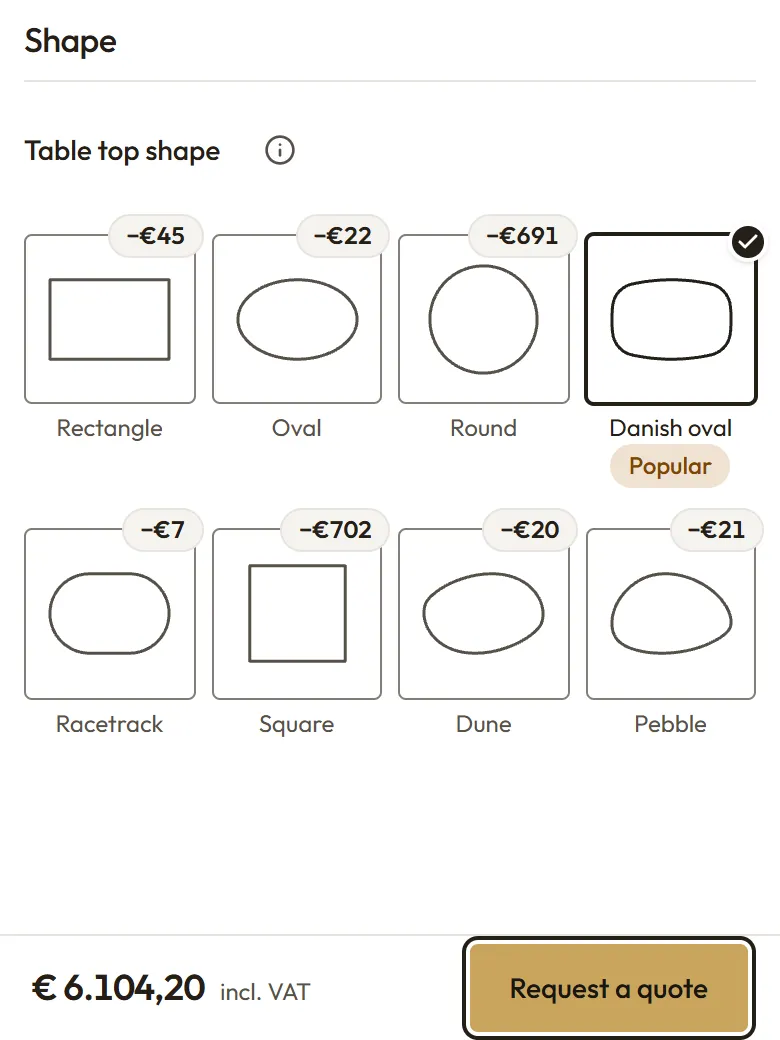
Put your markup on the manufacturer's price; with every choice your customer sees the price with your markup in it.
Choose your logo, your colours, your typeface and your corners; the configurator carries your brand.
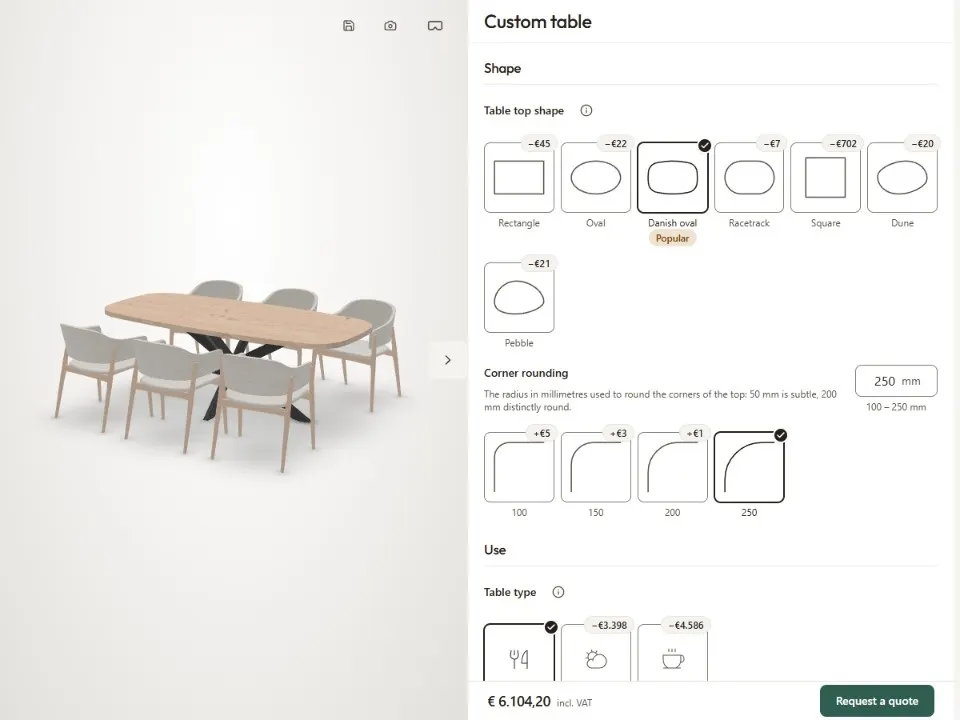
Copy the code and add your domain; the configurator only appears on the sites you allow.
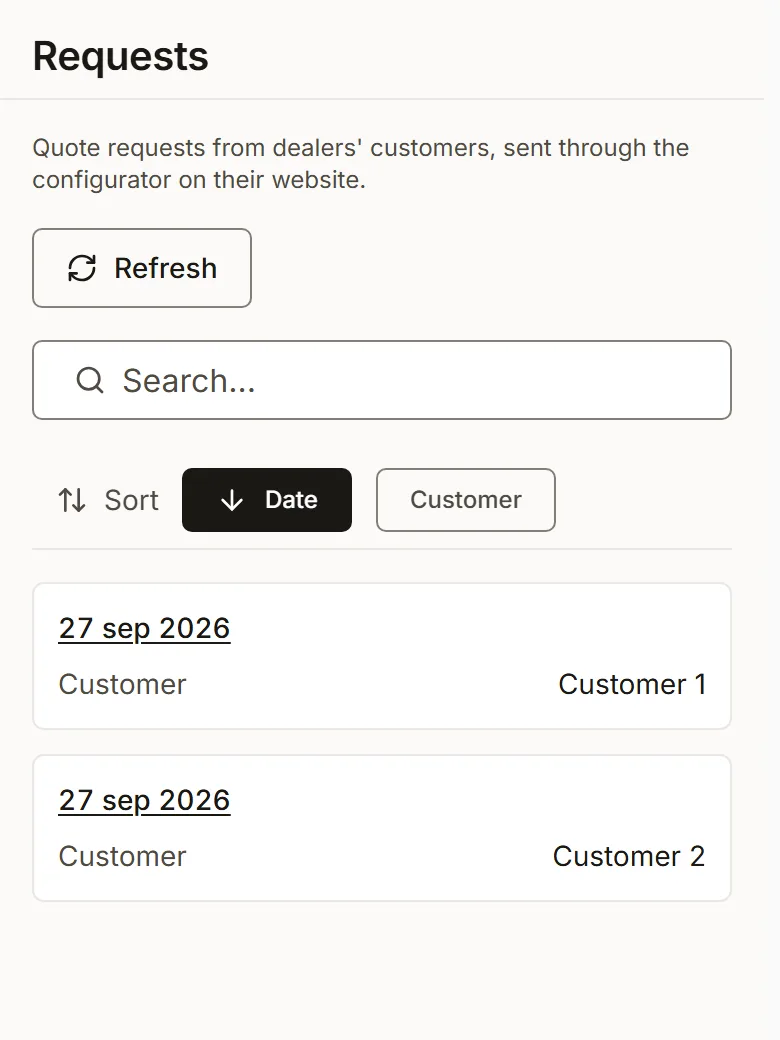
Every request arrives in your portal, with the configuration and the price, ready to turn into a quote.
See how it works for yourself?
In 15 minutes we show you the configurator and the portal, with your own models as the example.