
Place the code on your website
The embed code works on any site where you can place HTML. This is how to put it on WordPress, WooCommerce and Magento, where we tested it.
In 3 steps
Before you begin
Your key in the portal, and on WordPress the administrator or editor role.
This is the code you paste
You copy it in the portal under Embed code with Copy code. There it carries your own key and model; otherwise it looks like this.
Paste the code on your site
Where you paste it depends on your platform. Follow yours.
WordPress
Add a Custom HTML block to your page, paste the code and click Update. Wider than the text column? Group the block and choose Wide width.


WooCommerce
Open the product and choose the Text or Code tab in its description. Paste the code where the configurator should appear and click Update.
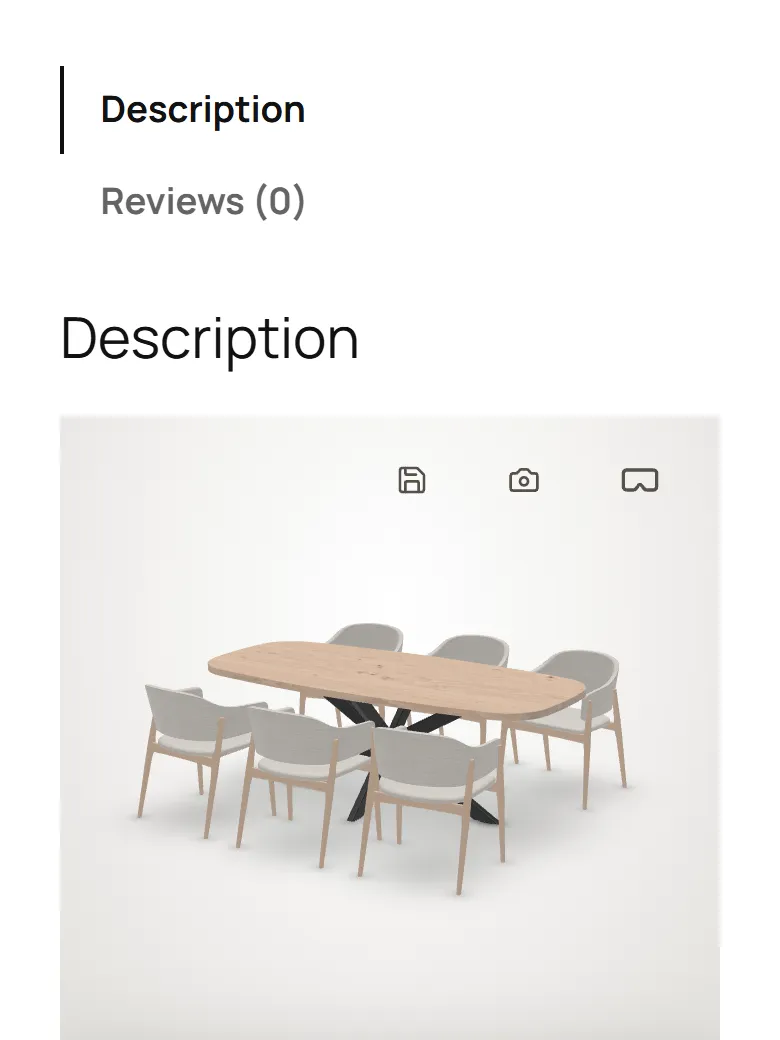
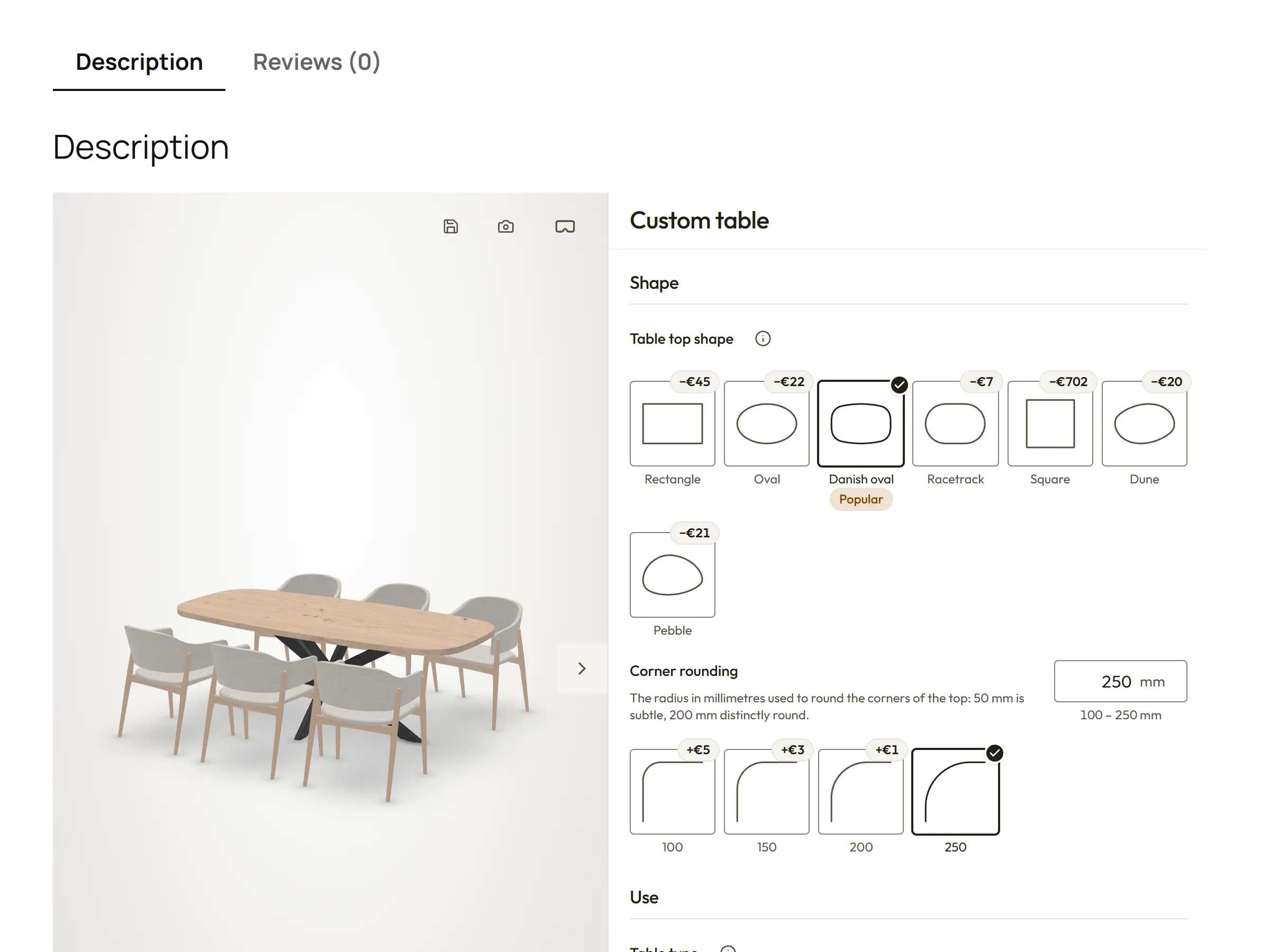
Magento
In Page Builder, drag the HTML Code element onto your CMS page and paste the code. Without Page Builder, paste the code into the content of the page or of a block.

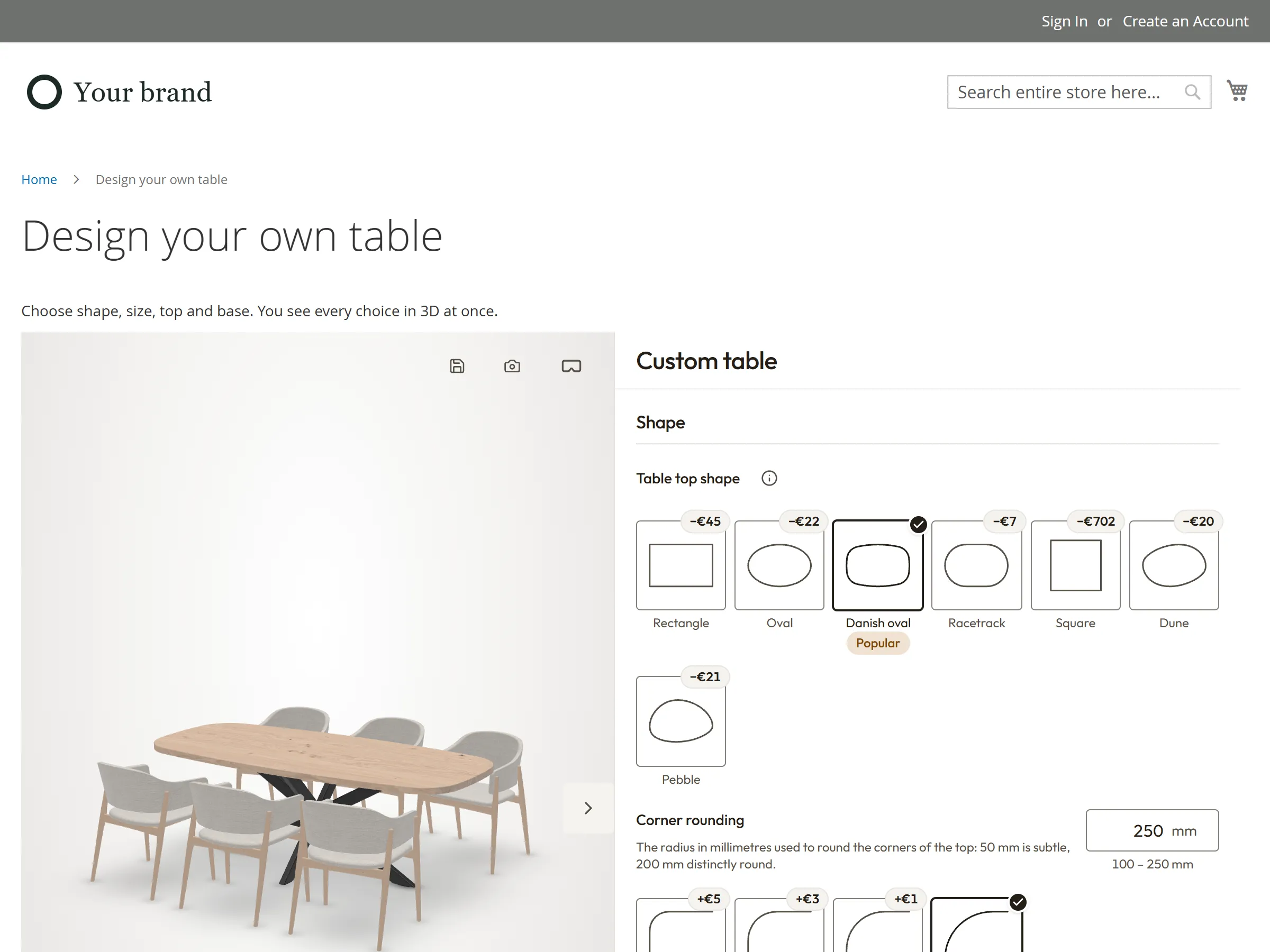
Check your site
Open the page: the configurator loads in your branding. If it stays empty, check that your site's address is under Allowed domains.
Good to know
- In WordPress, an administrator or editor places the code; for an author, WordPress strips the script. An import or WooCommerce's REST API does so too: paste the code in the editor.
- If your Magento enforces a Content Security Policy, add works.tulmans.nl to your
csp_whitelist.xml. - The configurator sits on your page as a Tulmans works window. What your customer requests arrives in your portal under Requests, not in your webshop.