
View your customers' requests
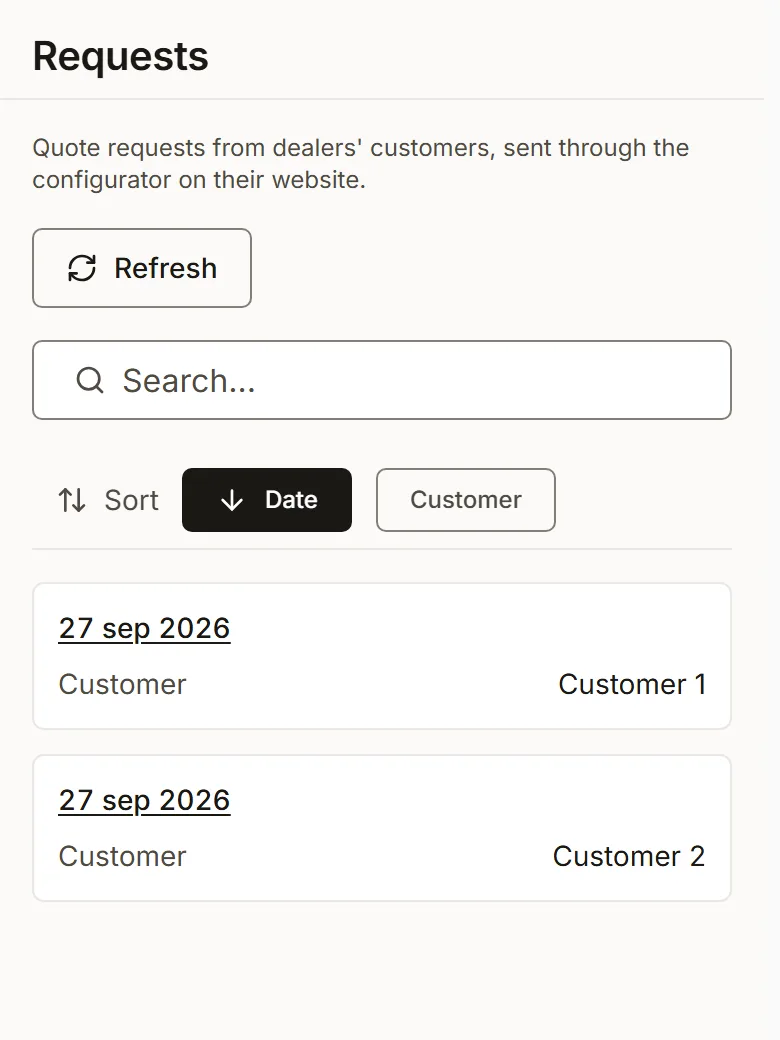
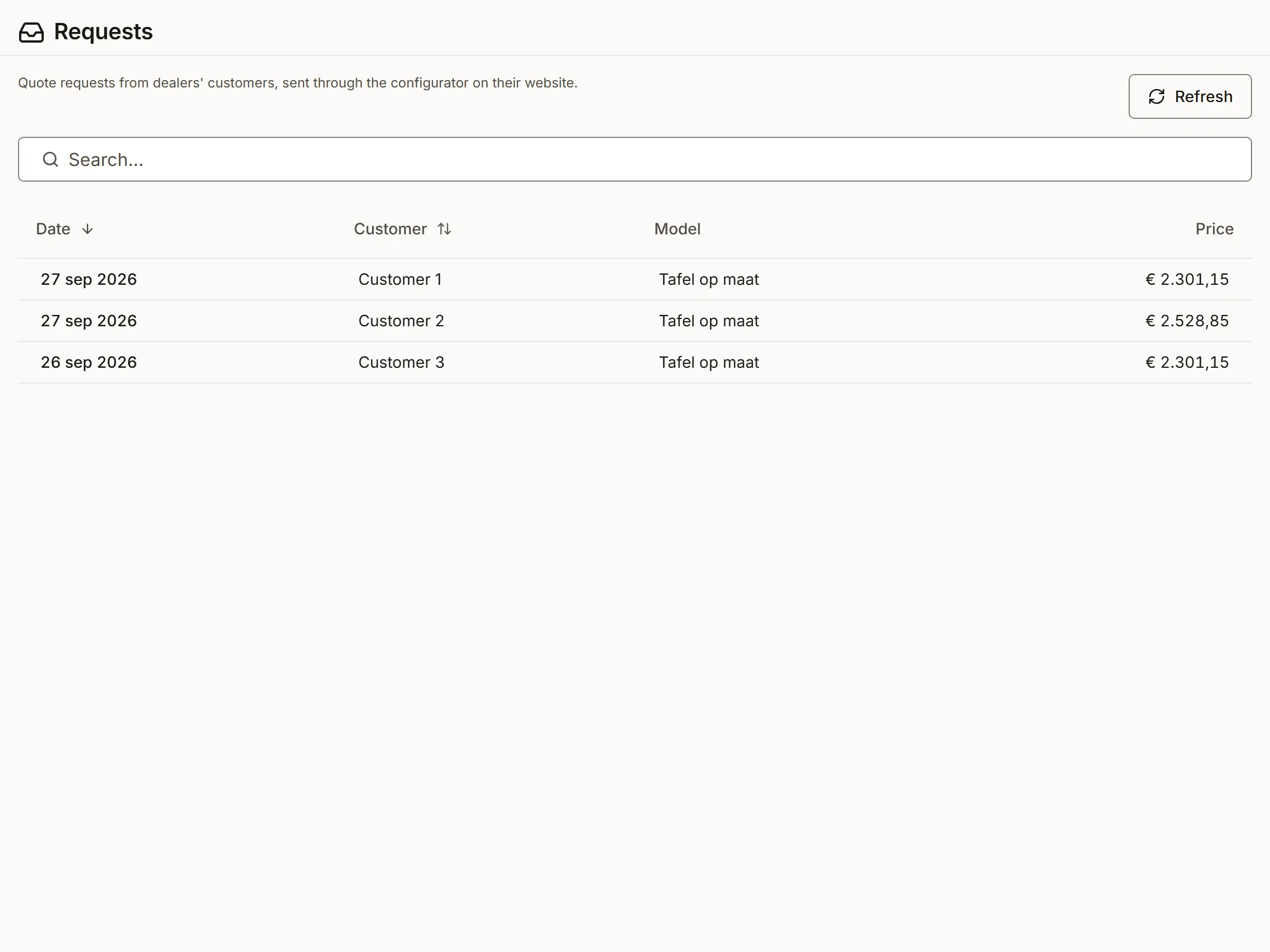
Every quote request from the configurator arrives in your portal, with the customer, the model, the configuration and the price.
In 4 steps
Open Requests
Choose Requests in the menu. The newest is at the top, with the date, the customer, the model and the price.
Find a request
Type a name or a model in the search field. As a manufacturer with several points of sale, pick one in the All points of sale list.
Open the request
Click a row. You see the Request with model and price, the Customer with email, phone and town, the Configuration with every choice and your customer's Message.
Respond
Email customer lets you write to your customer from your own mail program. You make a quote with Create quote.
Good to know
- Want requests by email too? In your organisation, fill in the Email address for requests under Details, set up your mail server under Send mail through your own server and switch on Mail requests. Without a mail server no email goes out. The Mail column shows for each request whether it was emailed.