
Invite colleagues to the portal
Give colleagues access to your organisation, as an owner or a member, and change their role later.
In 3 steps
Open Members
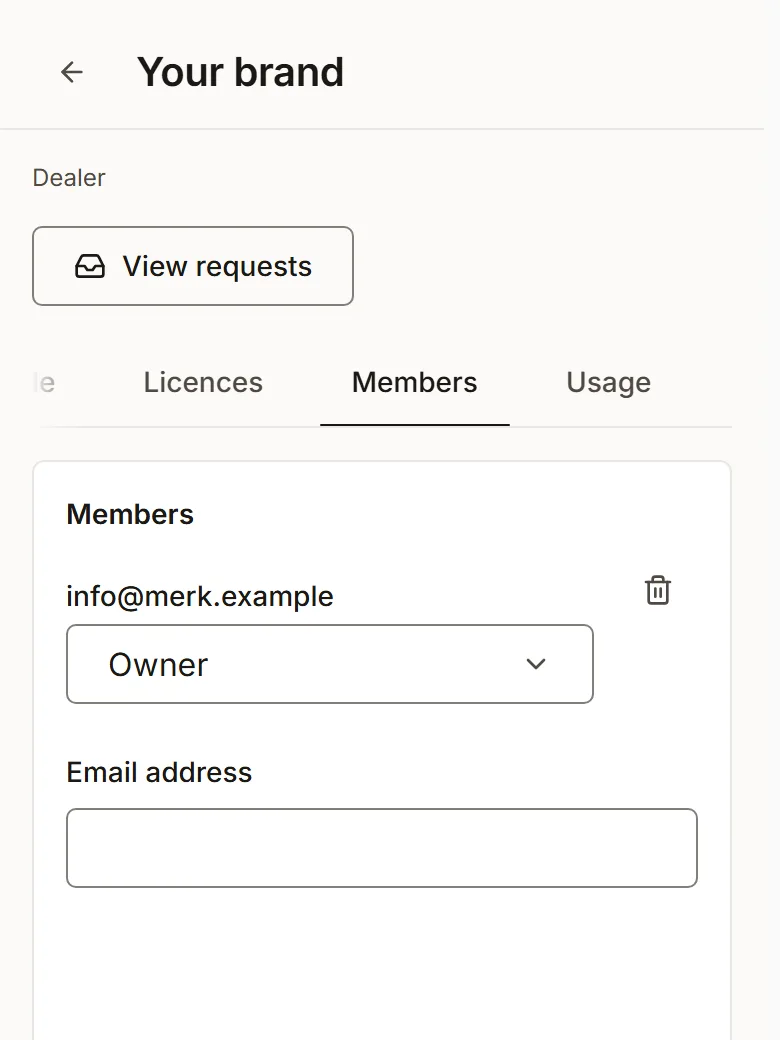
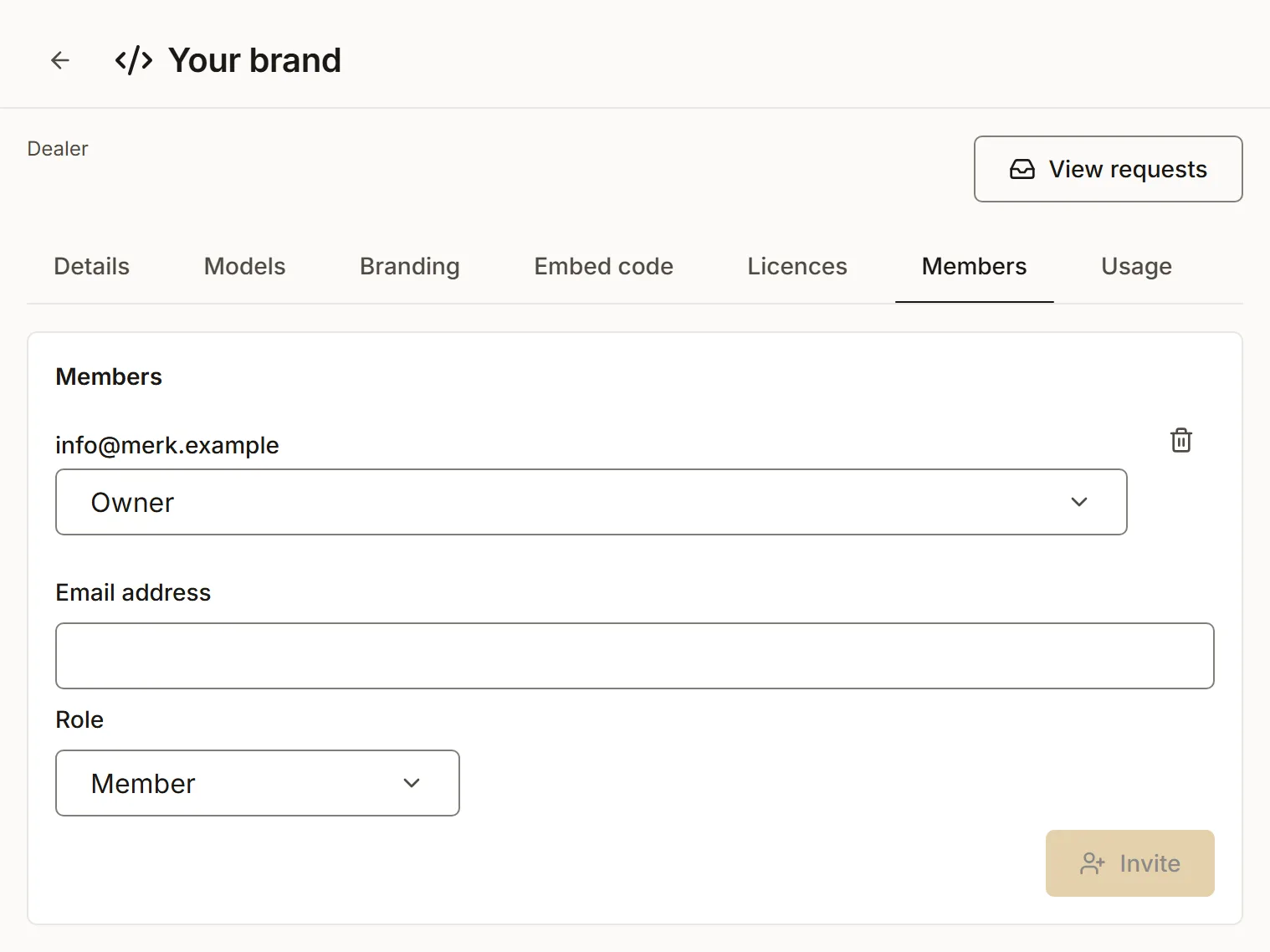
Choose Members in the portal's menu. For each organisation you see who has access.
Invite someone
Enter the Email address, choose Owner or Member under Role and click Invite. Your colleague receives an email with the button Accept invitation.
Change a role or remove someone
Next to each email address, the role is in a drop-down list: choose another role there. The bin removes someone from the organisation. There is always at least one owner.
Good to know
- A Member works on products, option sets, requests and quotes. Only an Owner changes the settings (company details, request address, branding, keys, mail server and dealers) and manages the members.
- Do you see ‘Member added, but the invitation could not be emailed’? Send it again later with Send again next to that member; the role stays. If it says no mail server is set up yet, set one up under Details first.