
Set your markup on the price
Add a percentage or a fixed amount on top of the manufacturer's price. Your customer sees the price with your markup.
In 3 steps
Open Markup
Open your organisation and its Models tab. Markup is below the models.
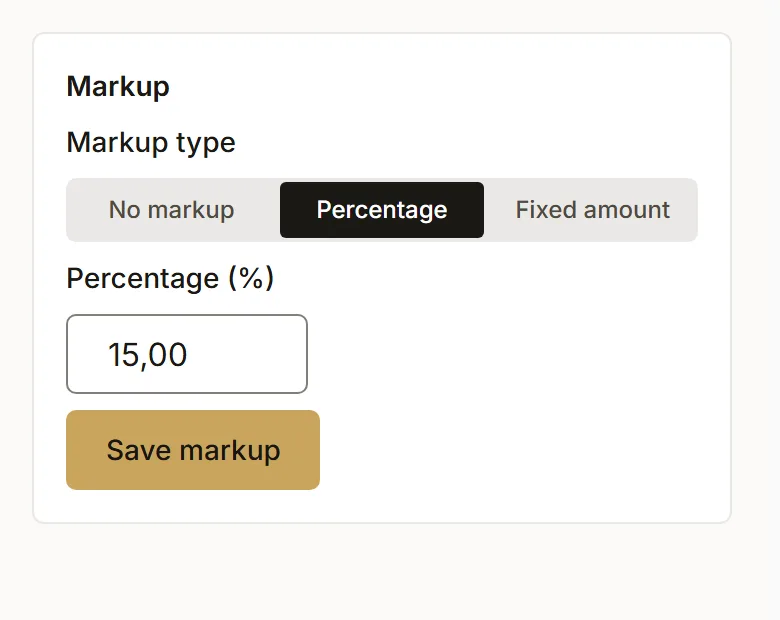
Choose the type of markup
Under Markup type, choose No markup, Percentage or Fixed amount, and enter the number for a percentage or an amount.
Save
Click Save markup. The configurator on your website then calculates with your markup.
Good to know
- The markup is always the last step: first the manufacturer's price with all chosen options, then your markup on top.
- A Fixed amount counts once per piece of furniture your customer puts together, whatever options they choose.