
Choose the models for your configurator
Choose which models your customer sees on your website, and in which order.
In 3 steps
Open Models
Choose Overview and click your organisation's name, or as a manufacturer the dealer's. Open the Models tab.
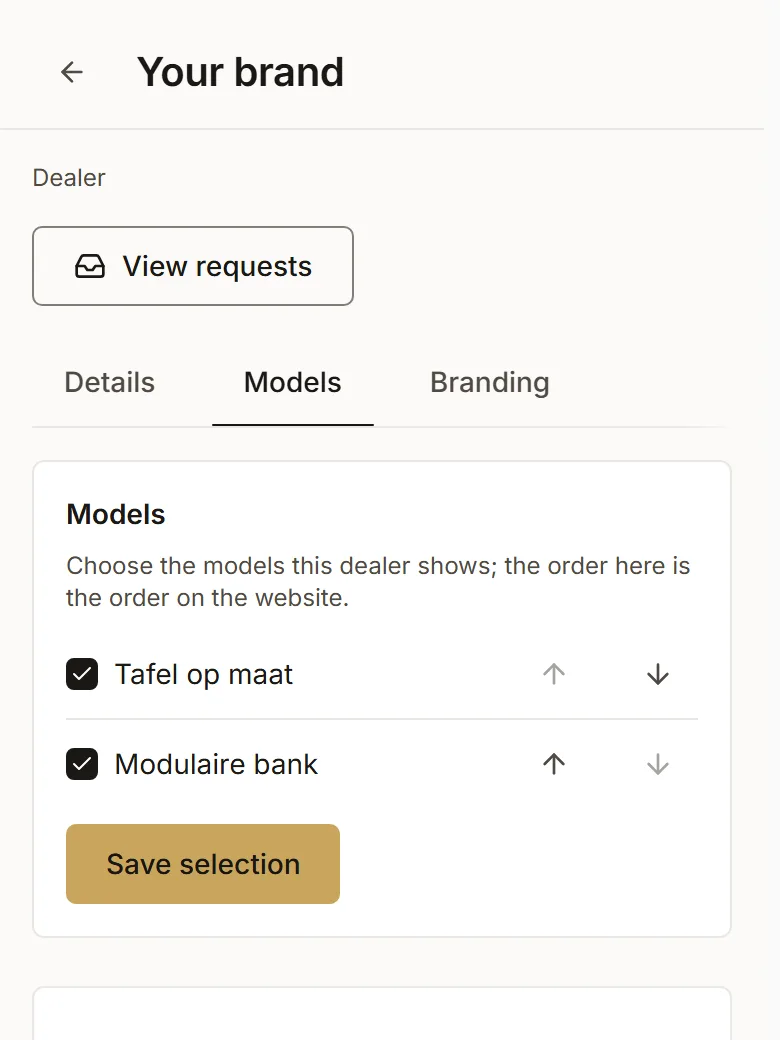
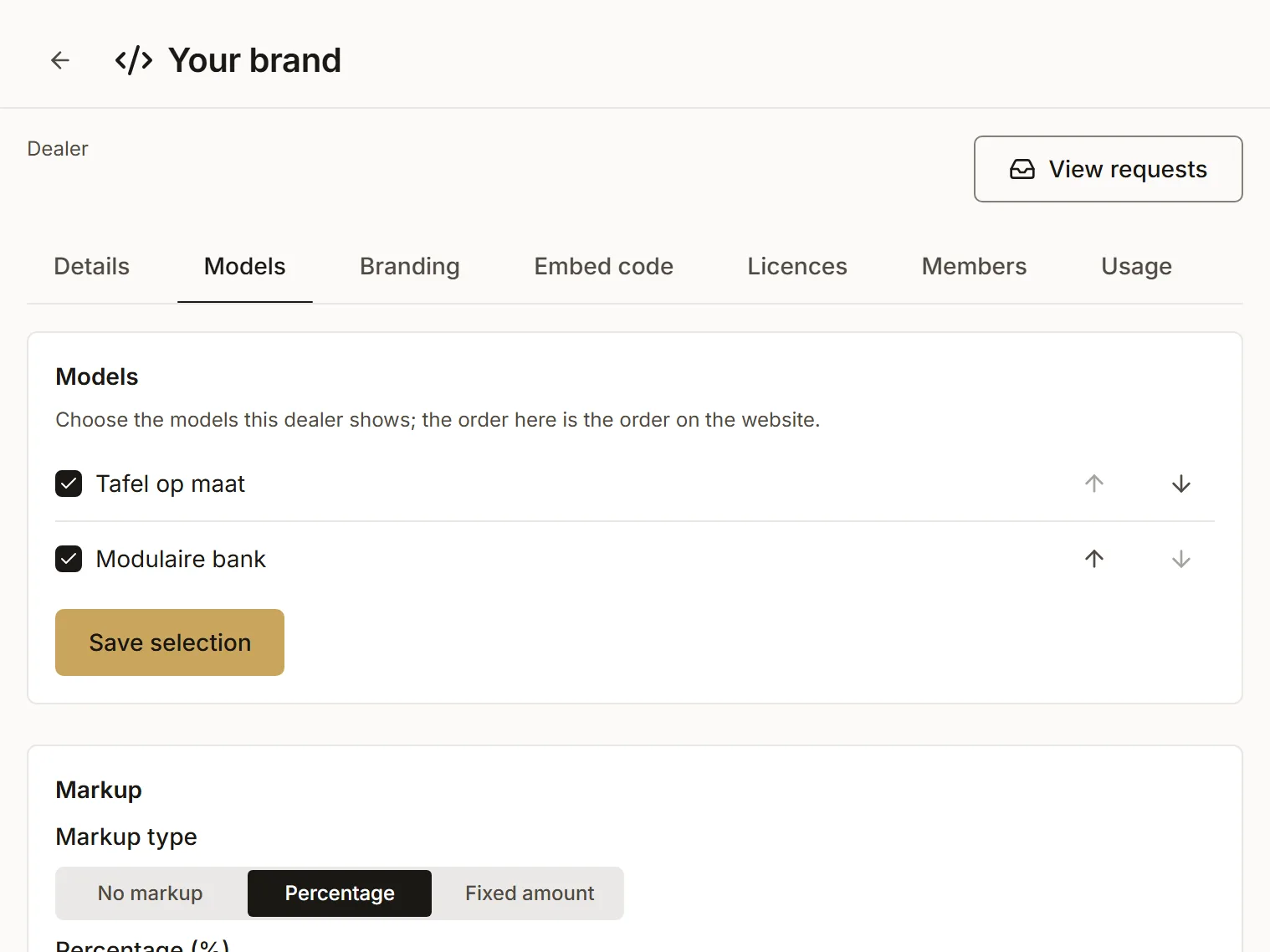
Tick the models
Tick what your customer may see. The arrows move a model up or down: the order here is the order on your website.
Save your choice
Click Save selection. The chosen models then also appear in the Model list under Embed code.
Good to know
- Does Embed code say ‘Select models first.’? Then no model has been ticked and saved yet.