3D table configurator
Your customer configures it, in 3D, with the price alongside
What your customer does
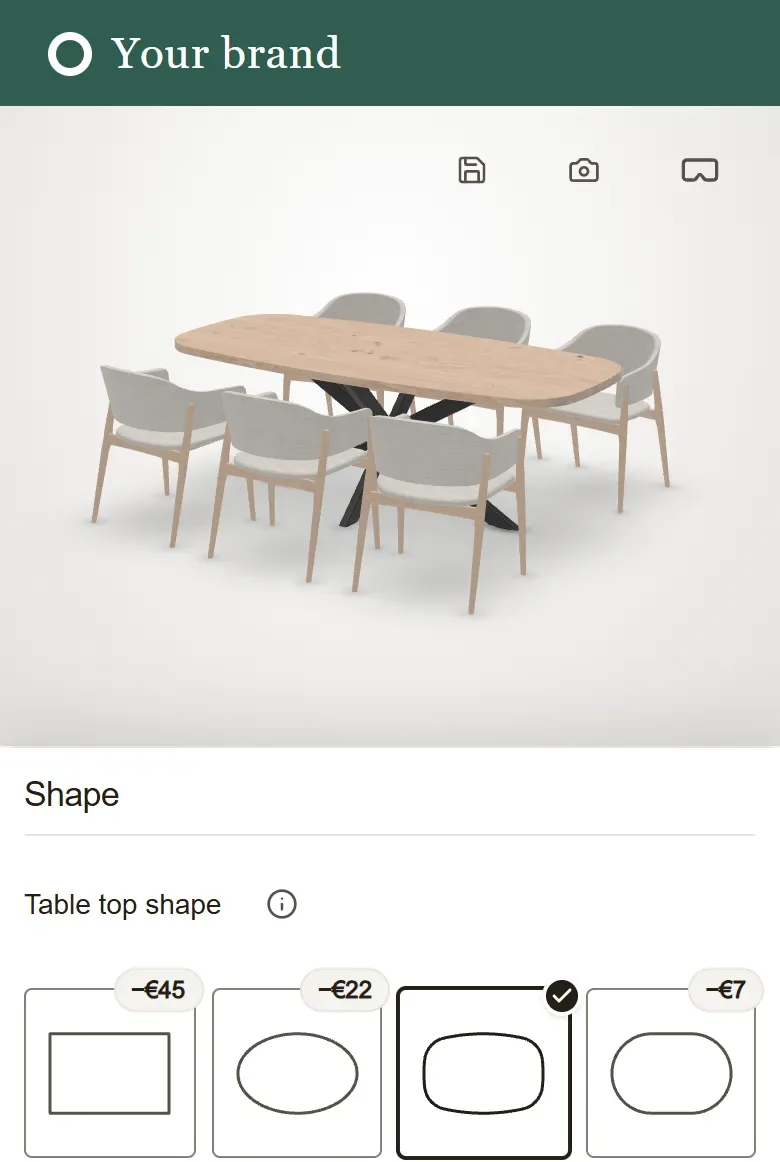
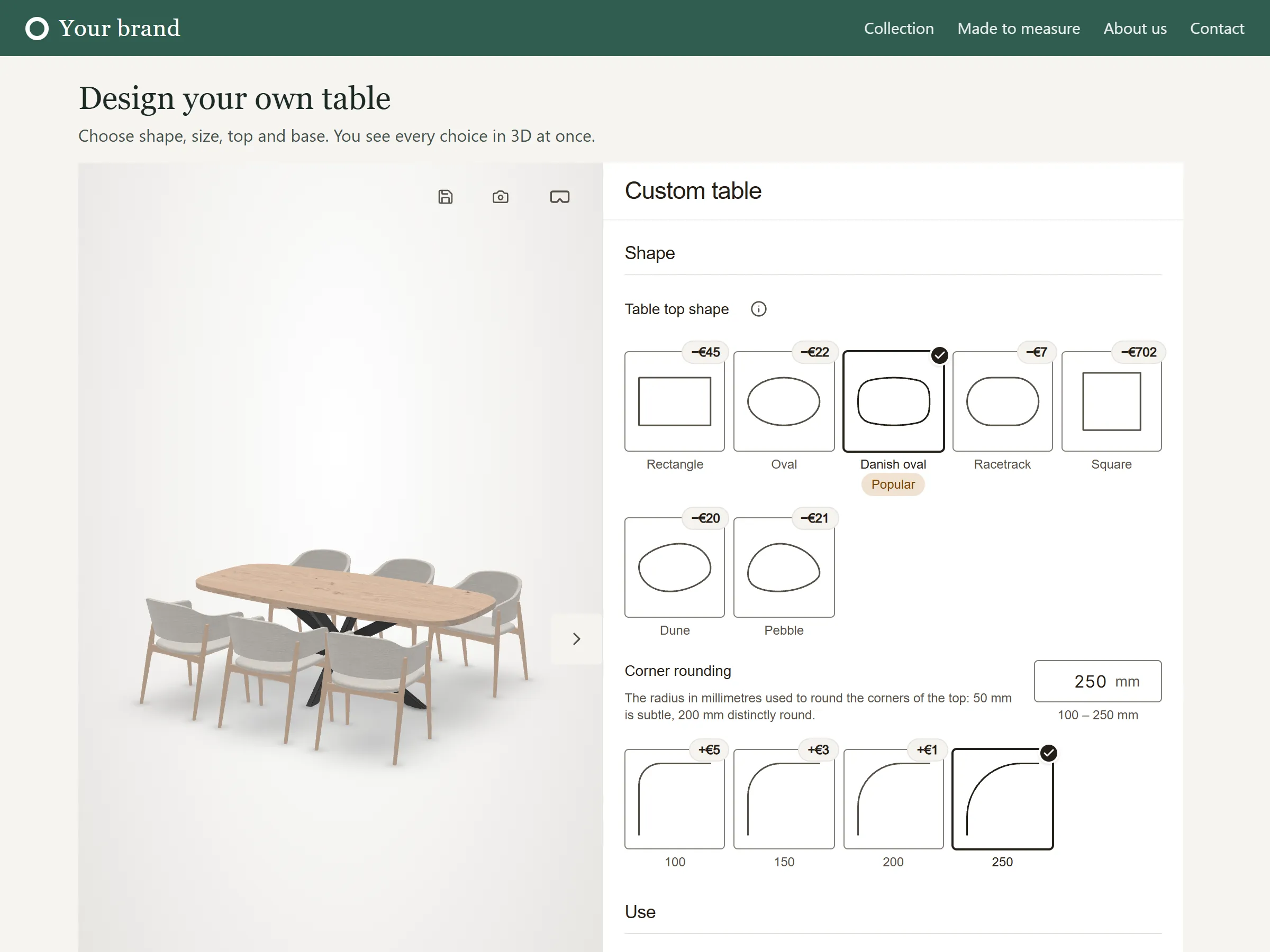
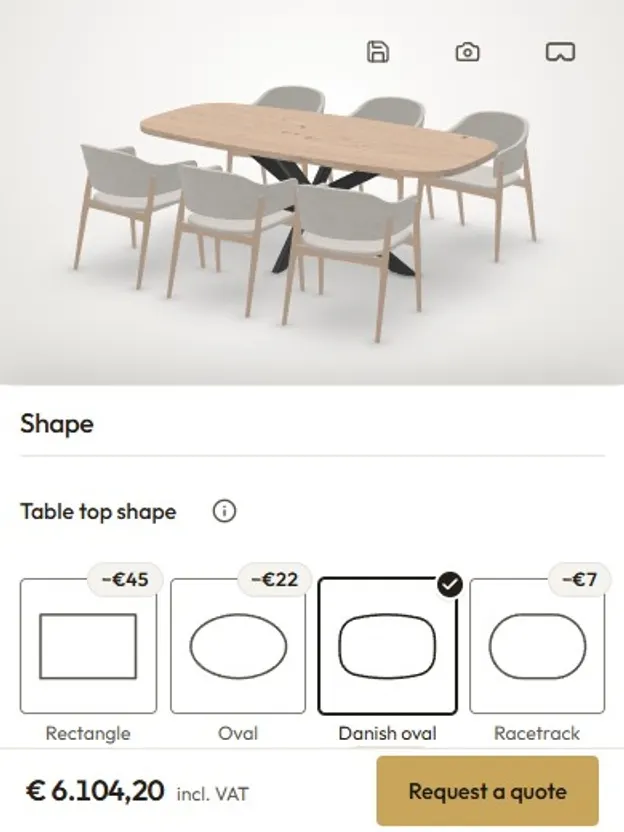
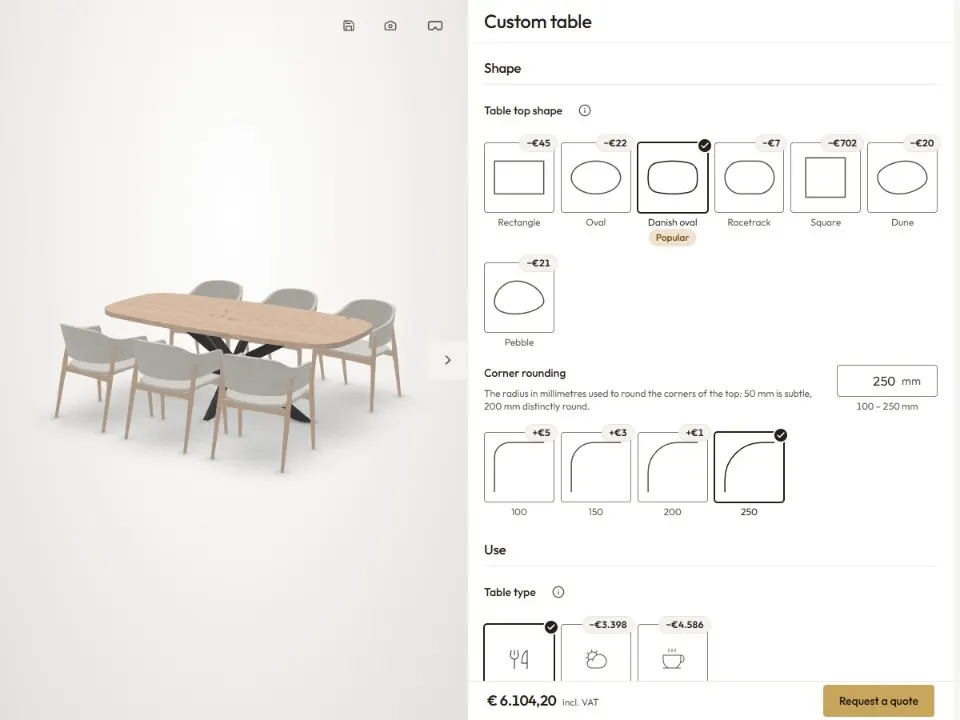
They choose shape, size, finish and base, and see it in 3D straight away. What doesn't go together can't be chosen.
- The price difference with the current choice, at every choice
- Save, share as a link and view in AR on iPhone and Android
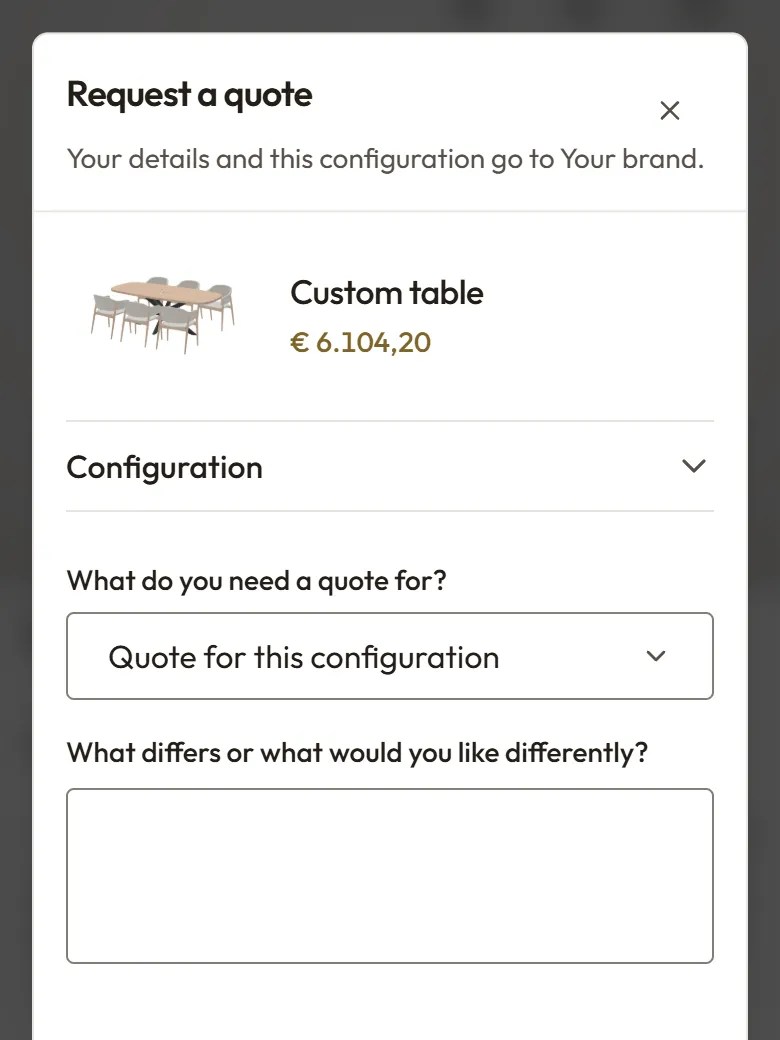
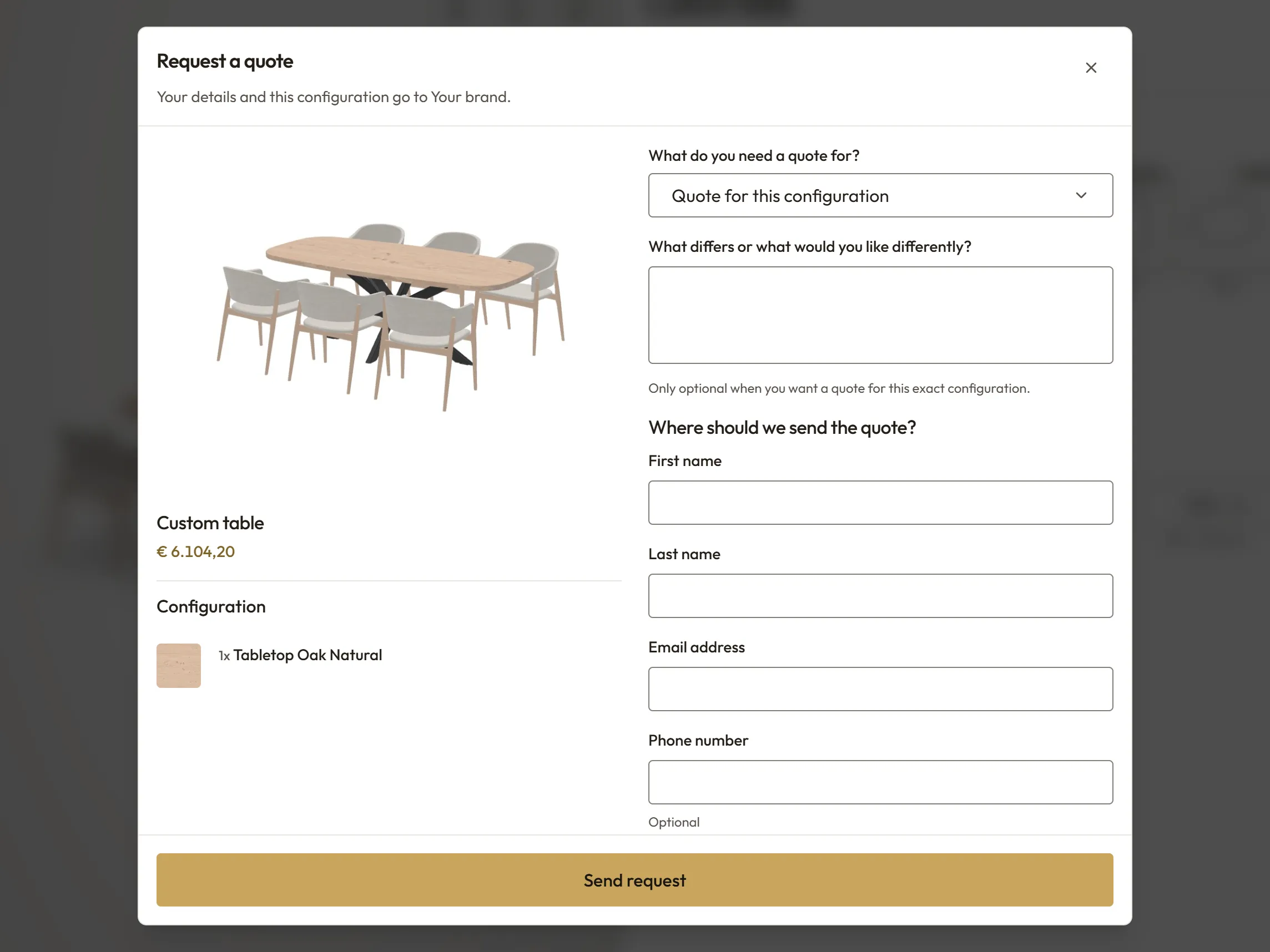
- Request a quote without retyping anything
What reaches you
A request with the full configuration, the price and an image of the piece. In the portal you turn it into a quote, which your customer accepts online.
- In your portal, and by email from your own address once you set up your mail server
- A quote, also as a PDF, in your house style
- Per month: loads, configurations and requests
How it works
1. Set it up yourself
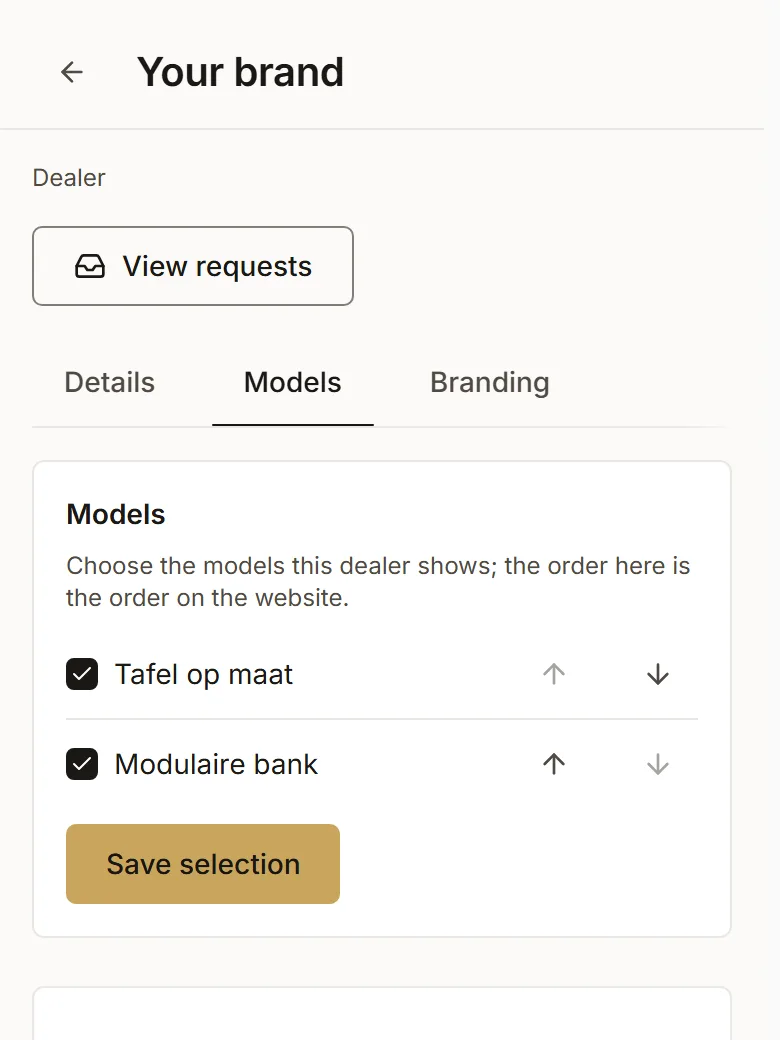
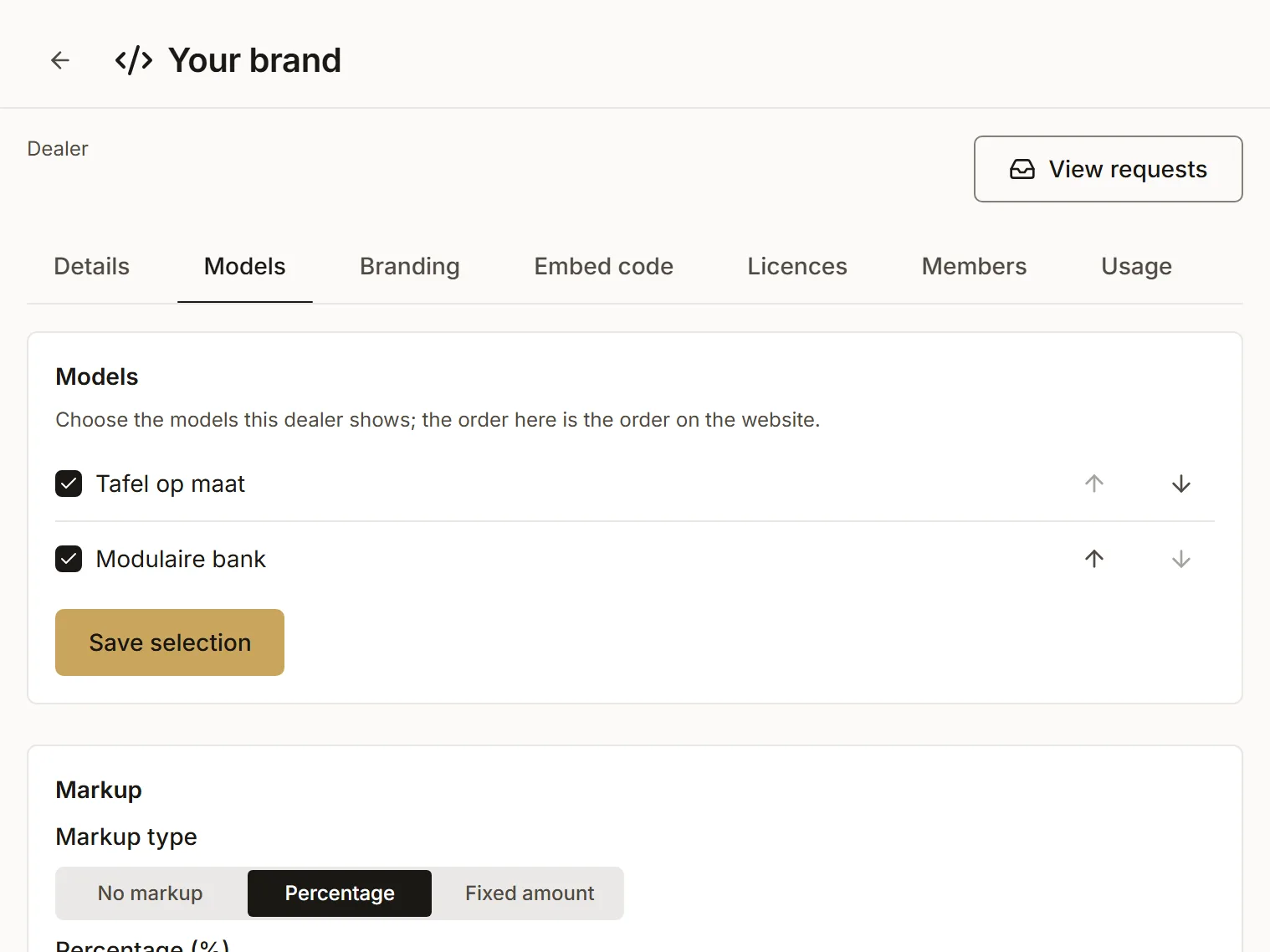
In the portal you set up your models, options, prices, markup and house style. Ready-made 3D models (GLB) you upload yourself in the product builder.
2. Paste the code
One script on the page where the configurator should appear. It fills the width of that place.
3. Receive requests
Every request arrives in your portal and, once you set up your mail server, by email from your own address too: with the configuration, the price and an image of the piece.
4. Let your customer sign online
In the portal you turn the request into a quote, also as a PDF. Your customer opens it from a link, in your house style, and accepts it with their name.